What Is Shadow IT? Definition, Examples and Risks (2026) | The Collaborative Organization
By The Collaborative Organization Team · November 19, 2026 · Last verified November 19, 2026 · 10 min read
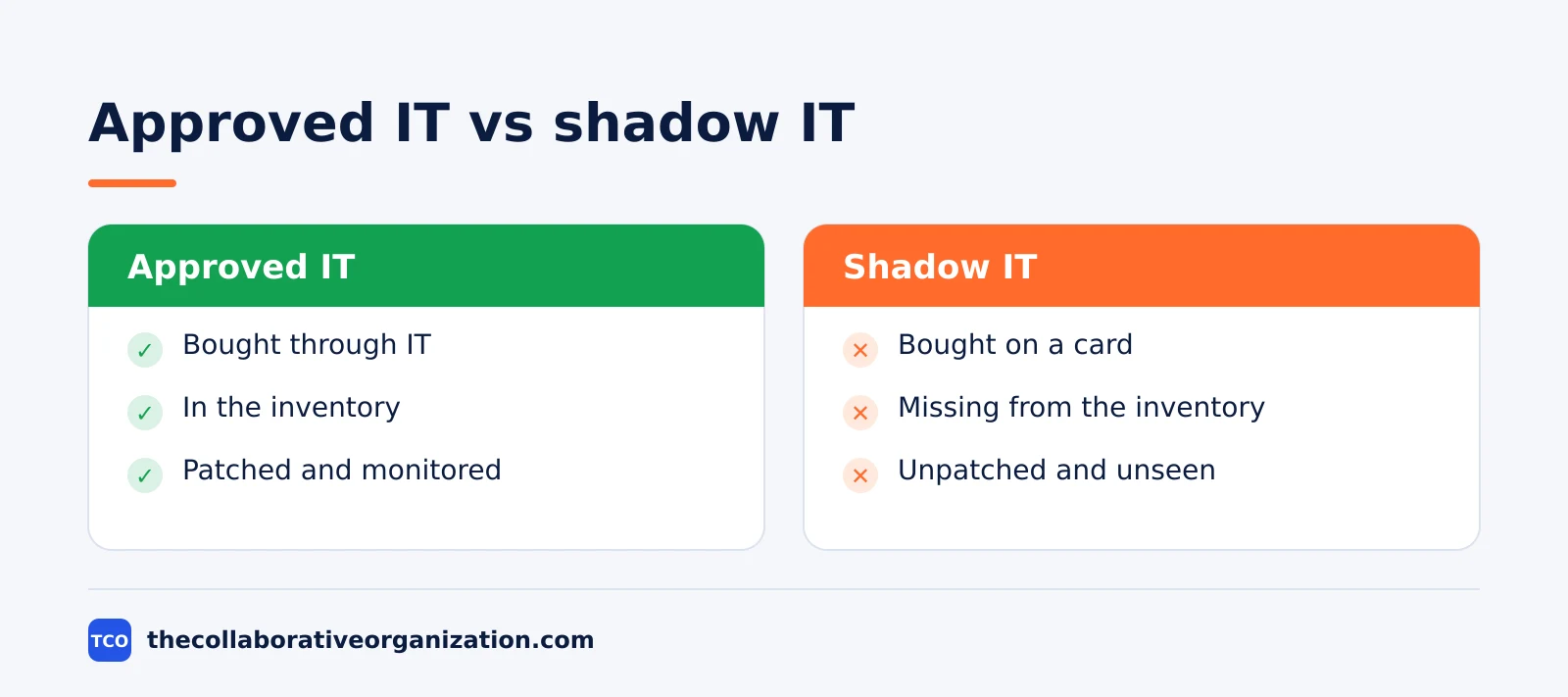
Shadow IT is any technology used for work without the knowledge or approval of the IT department. It covers software, hardware, cloud services and AI tools that employees adopt on their own, from a file-sharing app to a personal AI account. The defining trait is invisibility: IT cannot secure, license or switch off what it does not know exists.
Key takeaways
- Shadow IT is technology used for work without IT knowledge or approval, from apps and devices to AI tools.
- Gartner predicted in 2023 that by 2027, 75% of employees will use technology outside IT visibility, up from 41% in 2022.
- Only 56% of apps in use carry IT approval, so 44% run without it (BetterCloud, 2026).
- Shadow IT is rarely malicious: staff usually adopt it because sanctioned tools do not meet a need (NCSC).
- Shadow AI is the fastest-growing kind: 78% of AI users bring their own tools to work (Microsoft and LinkedIn, 2024).
What shadow IT is
The UK’s National Cyber Security Centre calls shadow IT the unknown assets used within an organisation for business purposes. NCSC explains that those assets are not covered by asset management and are not aligned with company IT policy, so they carry risk the company cannot see.
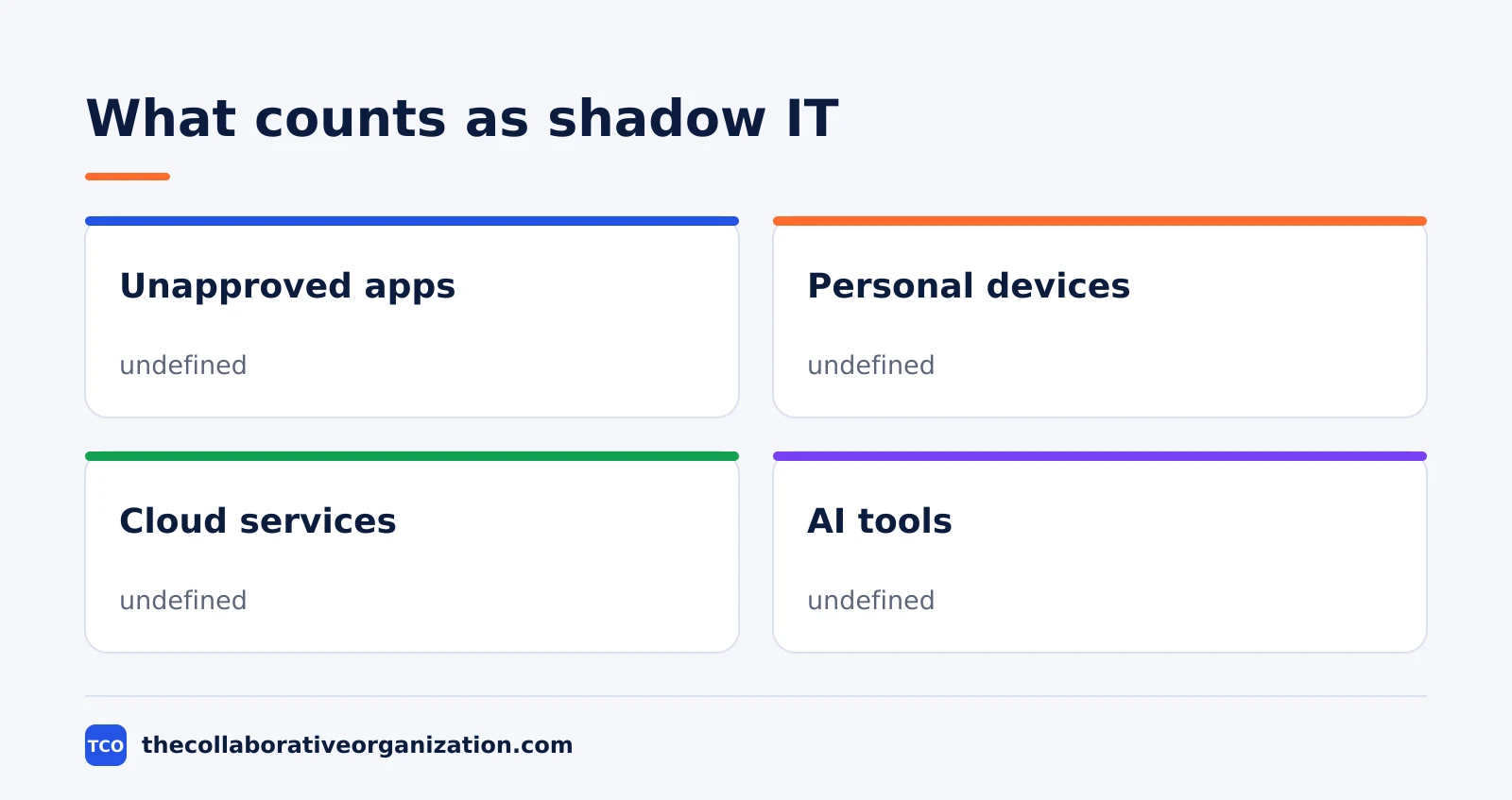
Bitdefender defines it the same way: any technology, whether software, hardware, cloud service or digital workflow, used for business activities without the knowledge or authorization of the IT or security teams.
The word shadow describes visibility, not intent. The tools are usually bought to get work done faster, not to dodge rules, and the NCSC stresses that shadow IT is rarely the result of malicious intent.
Shadow IT sits inside the wider SaaS sprawl problem. Our guide to software adoption statistics shows how many tools the average stack holds, and how few of them IT approves.
Types of shadow IT
Shadow IT falls into four types: unsanctioned apps, unmanaged devices, unmanaged services and shadow AI. Each type hides in a different place, so each one needs a different way to find it.
| Type | What it is | Example | Where it hides |
|---|---|---|---|
| Unsanctioned SaaS apps | Apps bought or signed up for without IT approval | A team expense for a design tool | Expense reports, personal email |
| Unmanaged devices | Personal laptops, phones and USB drives used for work | A personal laptop with client files | Outside device management |
| Unmanaged services | Cloud storage, messaging and file transfer outside IT control | A personal cloud folder shared with a client | Personal accounts, browser extensions |
| Shadow AI | AI tools used without approval | A personal AI chat account pasting in client text | Personal accounts, browser tabs |
The NCSC splits it the same way, into unmanaged devices and unmanaged services, and notes that shadow IT is often linked with devices but can also include cloud technologies and AI tools used without permission.
Shadow AI is the fastest-growing type. It is any AI tool used for work without approval, from a chat assistant on a personal account to a browser extension that summarizes pages, and it deserves its own checks because company data leaves through it. BetterCloud calls it shadow IT on accelerant.
Why shadow IT happens
Shadow IT happens because the sanctioned tools do not meet a need, or do not meet it fast enough. The NCSC puts it plainly: staff adopt unofficial measures when they struggle to use sanctioned tools or processes to finish a task.
The usual reasons are practical:
- The approved tool is slow, hard to use or missing a feature the job needs.
- IT approval takes weeks while the deadline is days away.
- A client or partner already uses a different tool, and the team follows them.
- The free tier is one click away, and nobody asks for approval for free.
- The team does not know the approved tool exists, or how to get access.
Speed is the usual trigger, not defiance. Parallels found in 2023 that 72.4% of organizations report unauthorized-tool use, which shows that warnings alone do not stop it.
Fixing the cause beats banning the tool. Our guide to how to get team buy-in for new software covers how to offer a sanctioned option people actually want to use.
How common shadow IT is
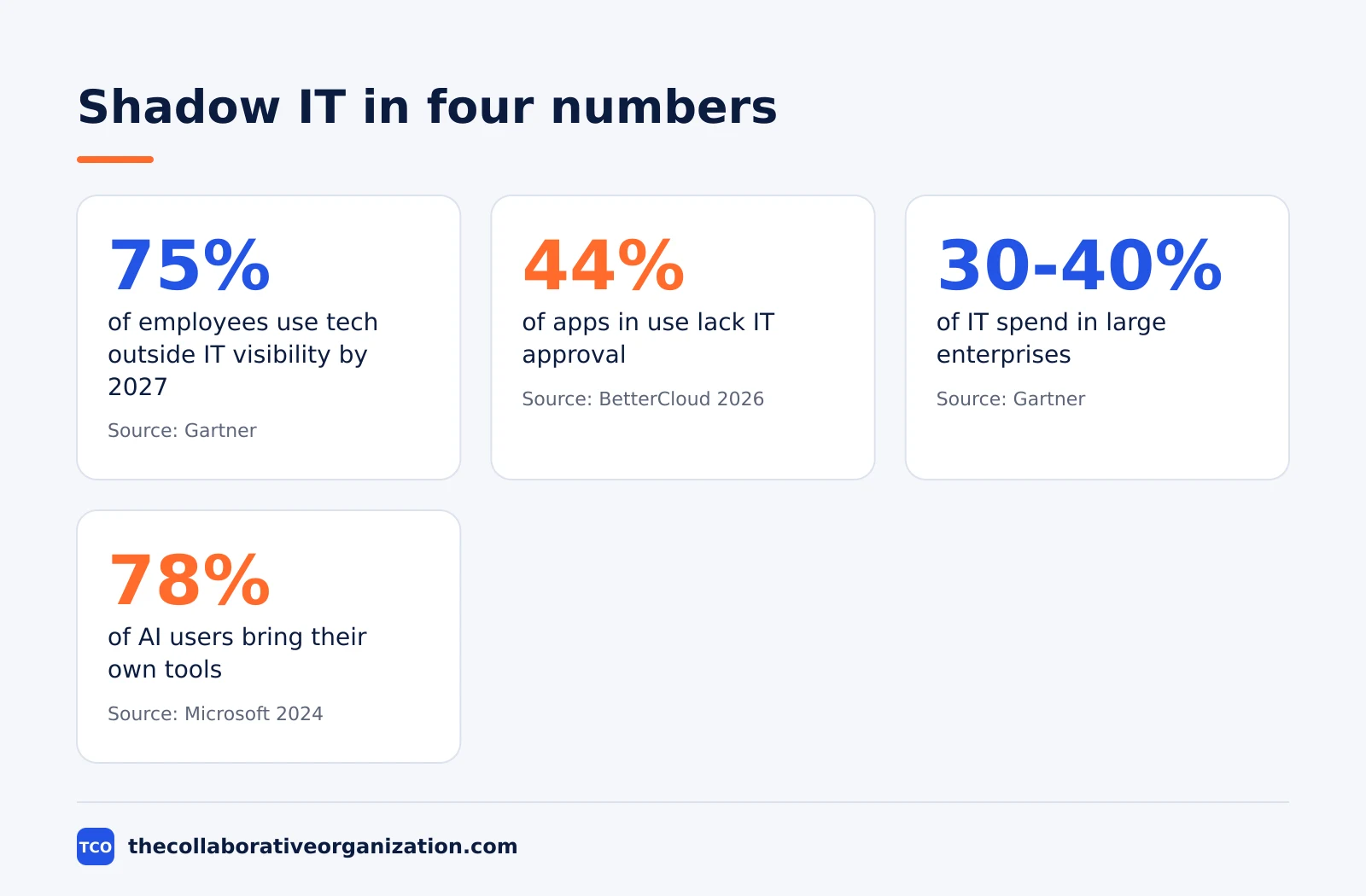
Shadow IT is now the norm, not the exception: most employees use technology outside IT visibility. Gartner predicted in 2023 that by 2027, 75% of employees will acquire, modify or create technology outside IT’s visibility, up from 41% in 2022.
The app count tells the same story. BetterCloud finds only 56% of apps in use carry IT approval, so 44% run without it, and 21% of organizations discovered new unsanctioned SaaS and AI tools in 2026.
The risk scores add weight. Zylo puts shadow IT at a third of a company’s applications, and 46% of apps in the average stack have poor or low risk scores. IT visibility has fallen to 13.5% of applications.
The money follows the same pattern. Bitdefender reports Gartner’s estimate that shadow IT accounts for 30 to 40% of IT spending in large enterprises, money spent on tools IT neither selected nor secured.
Nudge Security puts the scale in plain terms: most organizations run 1,000 or more cloud apps, while IT typically sees fewer than 10% of them, and the average employee creates 18 SaaS accounts during their tenure.
AI tools are the newest wave. Microsoft and LinkedIn found in 2024, in a survey of 31,000 people in 31 countries, that 75% of knowledge workers use AI at work, and 78% of those users bring their own tools.
Shadow IT vs BYOD, business-led IT and shadow AI
Shadow IT is not the same as BYOD, business-led IT or shadow AI, and mixing them up leads to the wrong fix. Each term names a different level of approval and control, so the right response depends on which one you are looking at.
| Term | What it means | Does IT know? | Example |
|---|---|---|---|
| Shadow IT | Tech used without IT knowledge or approval | No | Personal cloud folder with client files |
| BYOD | Personal device used for work under an agreed policy | Yes | A phone with company email under device rules |
| Business-led IT | Tech bought by a department with IT awareness | Yes | A team tool IT knows about but does not run |
| Shadow AI | AI tools used without approval | No | A personal AI account pasting in client text |
The NCSC draws the BYOD line clearly. With an effective BYOD policy, the organisation has ownership and some control of corporate data on the device, so the risk can be managed. That is not the case with shadow IT.
Shadow AI is a subset of shadow IT, not a separate problem: it is the AI slice of the same invisibility. Business-led IT is the opposite case, where a department buys and runs a tool that IT knows about and has agreed to, even if IT does not run it day to day.
The fix differs by type, which is why the label matters. Our guide to how to evaluate SaaS software helps you judge whether a team tool is worth bringing into the approved stack.
How to find and manage shadow IT
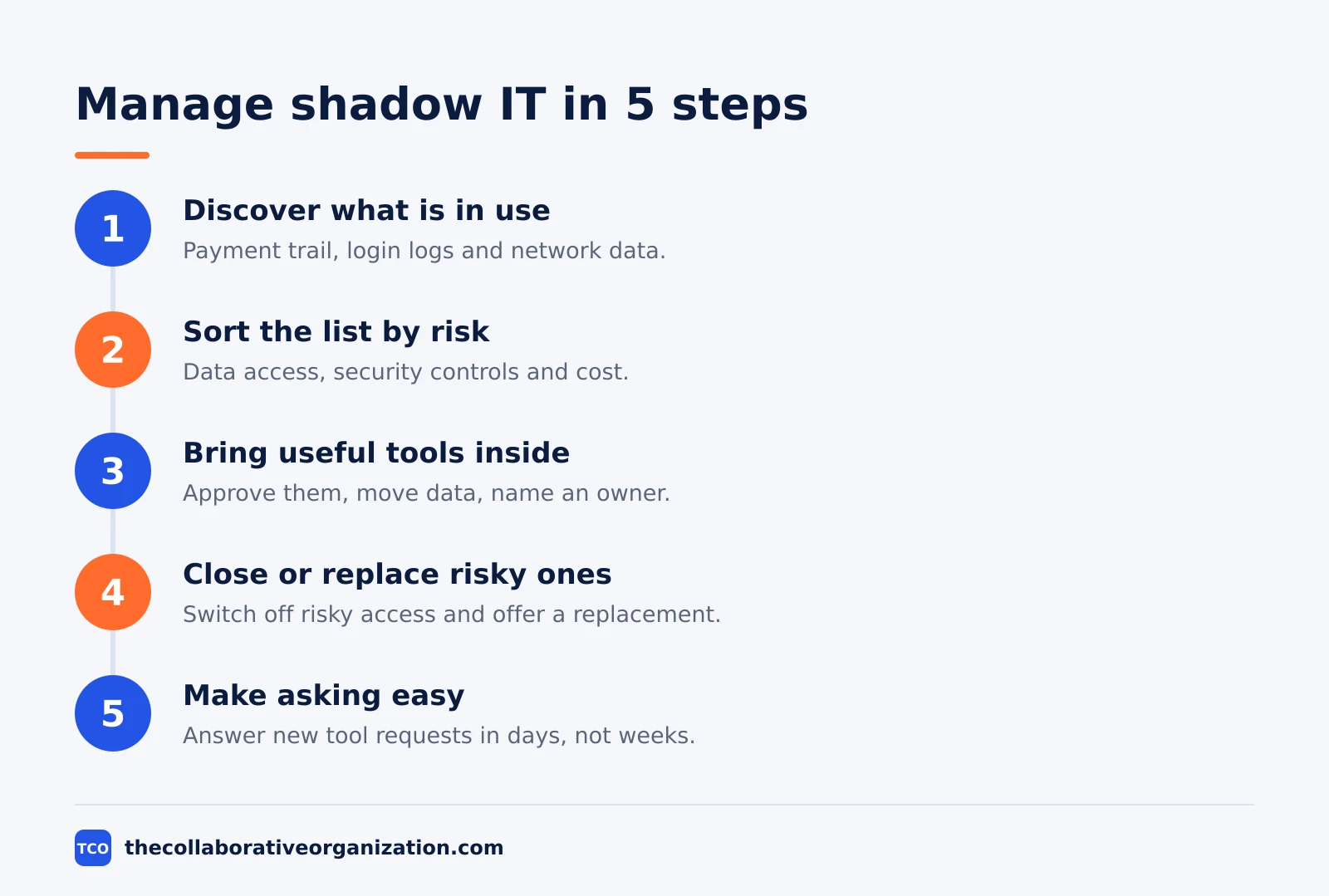
You manage shadow IT by finding it first, then bringing the useful tools inside and closing the risky ones. Banning everything without offering a sanctioned option pushes buying further out of sight, so the goal is visibility first and control second.
Step 1: Discover what is in use
Start with the payment trail and the login trail: expense reports, corporate cards and single sign-on logs. Add browser and network data where you can, since each source catches apps the others miss.
Step 2: Sort the list by risk
Score each app for data access, security controls and cost. A design tool with no client data is a different problem from an AI tool that holds customer records.
Step 3: Bring the useful tools inside
Approve the tools teams rely on, move their data into company accounts, and give them a named owner. The NCSC recommends bringing unsanctioned services under control, for example by migrating data into supported platforms.
Step 4: Close or replace the risky ones
Switch off access to tools that hold sensitive data without security controls, and offer a sanctioned option for the same job at the same time. A ban with no replacement just moves the problem.
Step 5: Make asking easy
Keep a simple, fast request process for new tools, and answer requests in days, not weeks. The NCSC lists a simple process for addressing requests as a core mitigation, because slow approval is what drives people around IT.
Rolling the change out needs a plan. Our guide to how to roll out new software to employees covers how to move teams onto approved tools without breaking their work.
The people side matters as much as the process. Our guide to change management for new software covers how to win over the teams whose tools are being reviewed.
Shadow IT example: a 60-person agency
A 60-person marketing agency shows how shadow IT builds up, and the example below is an illustration, not a real company. The agency approves one file-sharing tool and one chat tool. Within a year, designers expense a second design app, account managers share client files from personal cloud folders, and three staff paste client text into personal AI accounts.
A discovery pass finds 40 more apps than IT knew about. The agency approves the design tool, moves client files into the company account, and replaces the personal AI accounts with a company AI tool that keeps data inside the account. The count of approved apps rises, and the count of unknown apps falls to near zero.
| Item | Before discovery | After |
|---|---|---|
| Approved apps | 2 | 5 |
| Unknown apps | 40 | 0 |
| Client files in personal accounts | Yes | No |
| AI tools on personal accounts | 3 | 0 |
The lesson is that discovery beats guessing. The agency did not need a ban; it needed a list, and once the list existed, most of the fixes took a week.
Common shadow IT mistakes to avoid
Most shadow IT programs fail in the same few ways, and all of them are easy to spot in a review. Run through the list before you ban a single tool.
- Banning tools without offering a replacement. People go around a ban the same week it lands.
- Counting only the apps IT bought. The 44% of apps without IT approval never appear on that list.
- Treating every unsanctioned app as a security incident. Most are staff solving a real problem with the wrong tool.
- Ignoring AI tools. Shadow AI is the fastest-growing slice, and it carries company data out through personal accounts.
- Running discovery once. Portfolios grow about 34% a year, so a one-off scan goes stale within months.
Start with discovery, fix the cause, and repeat the count. A list that is current and owned beats a ban that nobody follows.
Sources
- NCSC - Shadow IT guidance (2023)
- Bitdefender - What is Shadow IT (2026)
- Gartner - Gartner Unveils Top Eight Cybersecurity Predictions for 2023-2024 (2023)
- BetterCloud - The 2026 State of SaaS Report (2026)
- BetterCloud - SaaS Statistics (2026)
- Zylo - SaaS Spend Management: The Complete 2026 Guide (2026)
- Zylo - SaaS Subscription Management: How to Manage Subscriptions in 2026 (2026)
- Nudge Security - Shadow IT Discovery: A Complete 2026 Guide (2026)
- Microsoft and LinkedIn - Microsoft and LinkedIn release the 2024 Work Trend Index (2024)
Frequently asked questions
What is shadow IT in simple terms?
Shadow IT is any technology someone uses for work that IT does not know about or has not approved. That includes apps bought on a company card, personal cloud folders holding client files, and AI tools on personal accounts. The problem is not the tool itself, it is that IT cannot see it, secure it, or switch it off.
Is shadow IT always bad?
No. Staff usually adopt shadow IT to solve a real problem, such as a missing feature or a slow approval process, and the tool itself may be good. The risk is invisibility: IT cannot patch, monitor or revoke access to what it does not know exists, so a useful tool can still leak data or break compliance rules.
What is the difference between shadow IT and BYOD?
BYOD is a personal device used for work under an agreed policy, so the company has ownership and some control of corporate data on it. Shadow IT has no such agreement: IT does not know the device, app or service exists, so it cannot manage the risk. The UK's National Cyber Security Centre draws exactly this line.
What is shadow AI?
Shadow AI is the AI slice of shadow IT: AI tools used for work without approval, such as a chat assistant on a personal account or a browser extension that summarizes pages. Microsoft and LinkedIn found in 2024 that 78% of AI users bring their own tools to work. Company data leaves through these tools, so they deserve their own checks.
How do you find shadow IT in your company?
Start with the payment trail and the login trail: expense reports, corporate cards and single sign-on logs. Add browser and network data where you can, since each source catches apps the others miss. Give every app a named owner, sort the list by risk, and repeat the count every quarter.
Related articles

guides
Free Project Management Templates: 7 to Copy (2026)
Seven free project management templates from monday, Wrike, Teamwork, Smartsheet, ClickUp, Asana and Trello, with what each one is for and what free really costs.
November 20, 2026 · 7 min read

guides
Project Proposal Template: Copy and Win Work (2026)
A project proposal template pitches the work before it is approved: problem, solution, scope, budget, timeline and terms. Copy the template and filled example.
November 20, 2026 · 10 min read

guides
Action Plan Template: Goal to Done in One Page (2026)
An action plan template turns one goal into owned steps with dates, dependencies and a success measure. Copy the table and see it filled for a support team.
November 20, 2026 · 11 min read