Project Proposal Template: Copy and Win Work (2026) | The Collaborative Organization
By The Collaborative Organization Team · November 20, 2026 · Last verified November 20, 2026 · 10 min read

A project proposal template is a pitch for work that is not yet approved: it states the problem, the solution, the scope, the budget, the timeline and the terms, so a sponsor or a client can say yes. Copy it, fill it in, and send it. A proposal wins the work; the charter and the plan come after the yes.
Key takeaways
- A proposal pitches the work before approval, while a charter authorises it and a plan explains how it runs.
- The template has 10 sections, from the cover page and executive summary to the budget, risks and approval line.
- The executive summary is the most-read part, and it should cover the problem, the solution, the value and the timing.
- Break the budget into line items and add a contingency of 5 to 10 percent of the total.
- Asana’s proposal guide lists 6 writing steps, and Wrike’s guide lists the same core sections, from cover page to appendices.
What a project proposal template is
A project proposal template is the blank form of the document that asks for approval, funding or a signed contract, and it exists to persuade, not only to record. Asana defines a project proposal as a written document that outlines everything stakeholders need to know about a project, serving as a persuasive pitch to secure approval, funding and resources.
The template is not a charter and not a plan. Our project charter template authorises the work in one or two pages after it is approved.
Our project plan template explains how the work will run in detail. The proposal comes first, and it answers a different question: why should this work happen, and why should you pay for it.
Use the template when you pitch to a client, ask a sponsor for budget, or propose an internal project that needs approval. Do not use it for work that is already approved. That work needs a charter and a plan, not another pitch.
The project proposal template
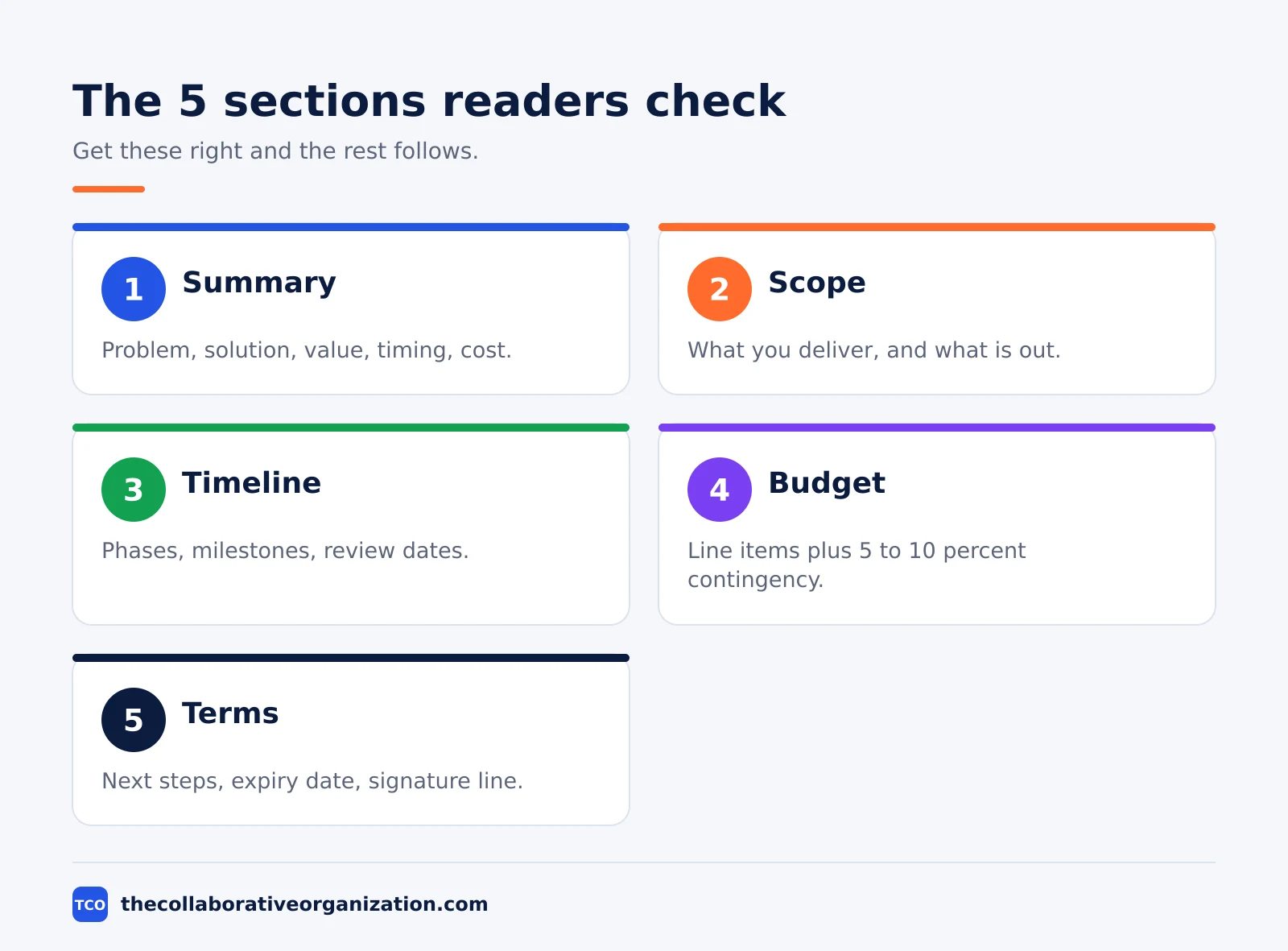
Copy the table below as the contents page of your proposal, then fill in each section in order. Each row names the section, the question it answers, and what to write in it.
| Section | Question it answers | What to write |
|---|---|---|
| 1. Cover page | Who is this for, and who wrote it? | Title, client, author, date, contact details |
| 2. Executive summary | Why should the reader say yes? | Problem, solution, value, timing, cost |
| 3. Background | What is the situation, and why now? | Context, the cost of doing nothing |
| 4. Objectives | What will success look like? | 3 to 5 SMART goals with numbers and dates |
| 5. Scope | What will you deliver, and what is out? | Deliverables, exclusions, assumptions |
| 6. Approach | How will you do the work? | Phases, methods, milestones, KPIs |
| 7. Timeline | When does each part happen? | Dates, milestones, client review windows |
| 8. Budget | What does it cost? | Line items, third-party costs, contingency |
| 9. Risks and team | What could go wrong, and who does it? | Risks with responses, team roles |
| 10. Terms and approval | How does the reader accept? | Next steps, expiry date, signature line |
Wrike’s guide to proposal templates lists the same shape: a cover page, an executive summary, an introduction, objectives, scope, methodology, risk assessment, budget, conclusion and appendices. The ten sections above cover that ground, with the conclusion folded into the executive summary and the terms added at the end.
The executive summary deserves the most care. Wrike notes that it is sometimes the only part a reader looks at, especially when many proposals arrive at once. Write it last, after the rest is filled in, and keep it to one page.
The copyable template
The four blocks below are the whole proposal in copyable form, ready to paste into a document and fill in. Fill the budget and timeline first, then write the summary from them.
PROJECT PROPOSAL - [Project title]
Prepared for: [Client name] - Prepared by: [Your name, team]
Date: [date] - Valid until: [date]

EXECUTIVE SUMMARY
[Problem in 2 sentences. Solution in 2 sentences. Cost and time in 1 line.]
BACKGROUND AND OBJECTIVES
[Background: why now, in 3 sentences.]
Objectives: 1. [SMART goal] 2. [SMART goal] 3. [SMART goal]
SCOPE
In scope: [deliverables]
Out of scope: [what is not included]APPROACH AND TIMELINE
[Phase 1] - [dates] - [what happens]
[Phase 2] - [dates] - [what happens]
Milestones: [date] - [result]
BUDGET
[Item] - [cost]
Total: [amount] - Contingency: [5 to 10 percent]RISKS AND TEAM
[Risk] - Response: [one line]
Team: [name] - [role] - [relevant work]
TERMS AND APPROVAL
Accepted by: ______________________ Date: __________
Next step: [meeting date, or reply by date]A second guide, from Eonebill, lists eight fields every strong proposal must hold: title and client, executive summary, scope and objectives, methodology, timeline, budget, team, and terms. The template above covers all eight, with the cover page and the background added so the reader knows who wrote it and why now.
Filled example: a client portal proposal for a retailer
The example below fills the template for a fictional 60-person marketing agency proposing a client portal for a retail chain, so you can see what each section holds at real size. All names, dates and figures are invented. The portal will let the retailer approve campaigns and see results in one place, instead of by email.
| Section | Filled in for the client portal |
|---|---|
| Cover page | Client portal build, prepared for Northgate Retail, by Brightline Agency, 20 November 2026 |
| Executive summary | Approvals take 9 days by email today. The portal cuts that to 2 days, costs $52,000, and ships in 10 weeks. |
| Background | The retailer runs 40 campaigns a year, and email approvals delay 1 in 3 launches by a week or more |
| Objectives | Cut approval time from 9 days to 2 days; launch the portal by 30 January; move 90% of approvals online |
| Scope | In: portal, approval flow, results dashboard. Out: a mobile app, changes to the retailer’s ordering system |
| Approach | Phase 1 design, phase 2 build, phase 3 test with 5 users, phase 4 launch and training |
| Timeline | Design signed off 5 December; test version ready 16 January; launch 30 January |
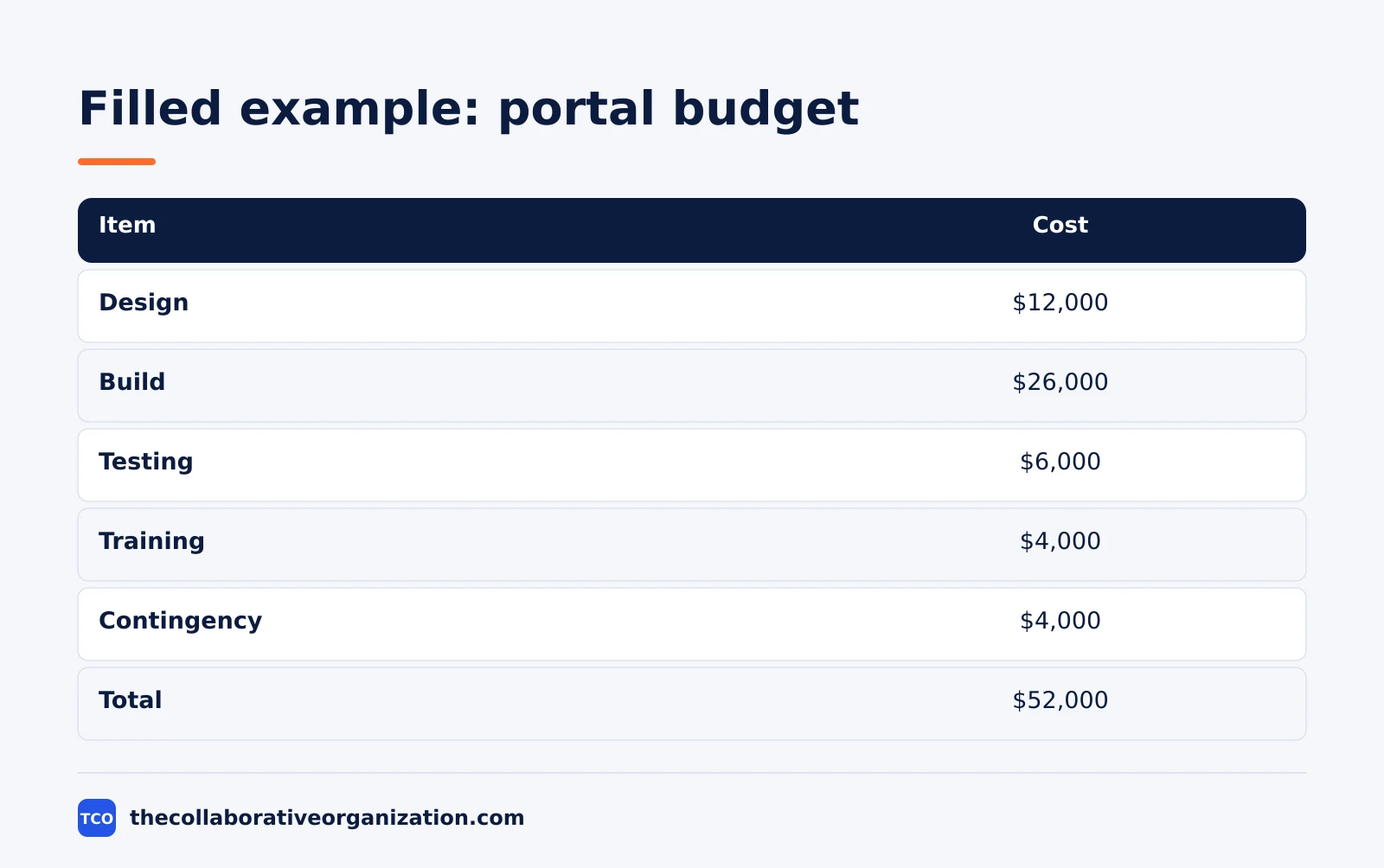
| Budget | Design $12,000, build $26,000, testing $6,000, training $4,000, contingency $4,000, total $52,000 |
| Risks | The retailer is slow to approve designs, so two review dates are fixed in the contract; data access is late, so a sample data set is used for testing |
| Team | Project lead, one designer, two developers, all with portal work for retail clients |
| Terms | Valid until 4 December 2026; acceptance by signature below; first payment on signing |
Three things make this example work. The summary leads with the cost of doing nothing, in days, so the client can see why the project exists. The budget adds to the total with a visible contingency, so the client can see the cushion. The terms name an expiry date, so the proposal does not sit unanswered for months.
How to customise the template in 5 steps
Start with the ten sections, then shape them to the reader and the size of the ask. Customise it in five moves, and keep the summary on page one every time.
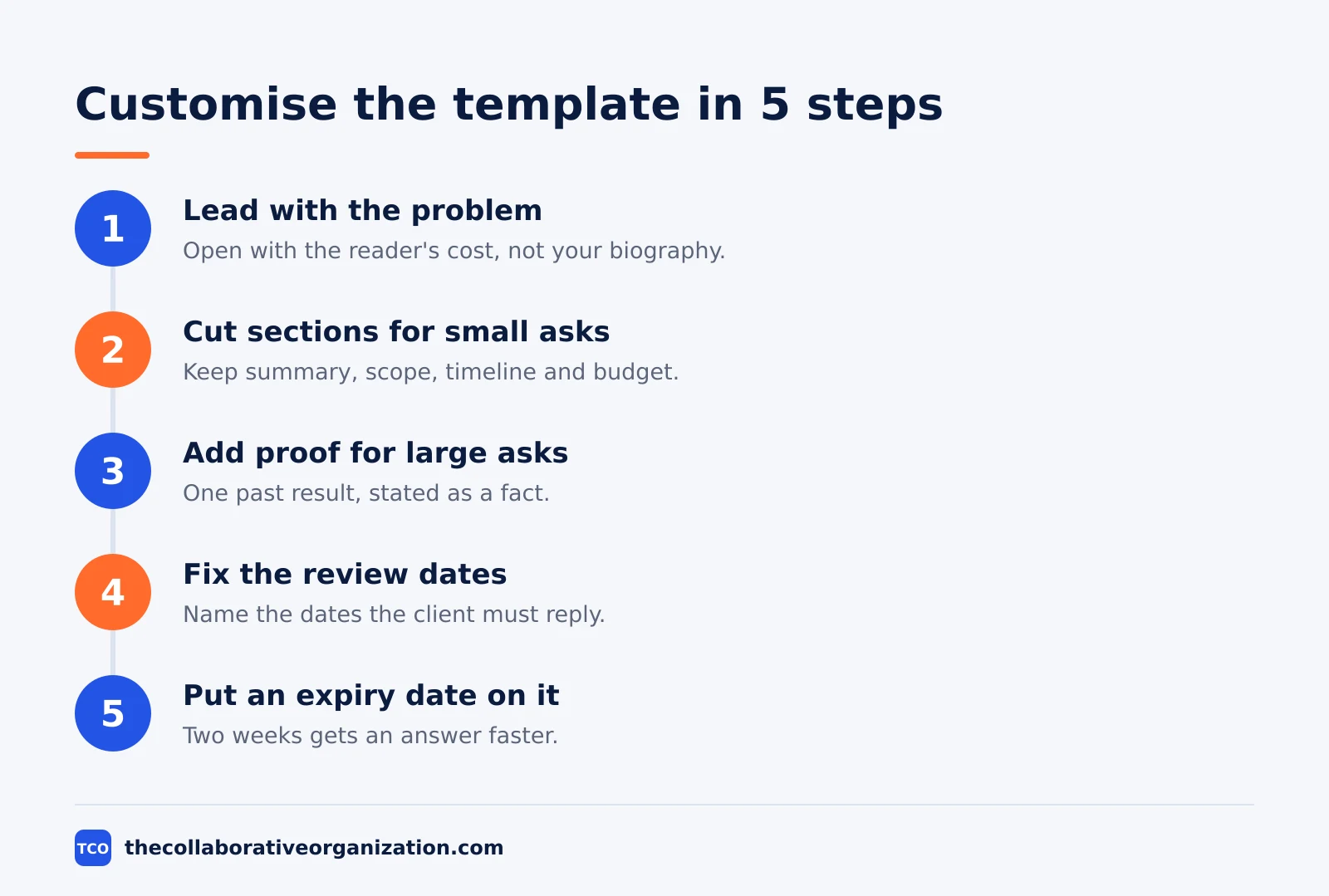
- Lead with the reader’s problem, not your services. Open the summary with the client’s cost in time or money, then show the solution. A proposal that opens with a biography asks the reader to care about you first.
- Cut sections for small asks. A two-page internal proposal can drop the appendices and fold the risks into one paragraph, keeping the summary, scope, timeline and budget.
- Add proof for large asks. A big budget needs evidence, so add a short appendix with one relevant past result, stated as a fact with a date, not as a claim.
- Fix the review dates in the timeline. Name the dates the client must review the work, so a slow reply cannot quietly move the launch. A timeline with no review dates is a wish.
- Put an expiry date on the offer. A proposal valid for 2 weeks gets an answer faster than one that is open forever. Name the date on the cover page and in the terms.
Our project brief template covers the shorter document that often precedes a proposal, with the same problem and goal in one page.
Variations: full, quickfire and internal proposals
One template serves three shapes, because the sections stay the same and only the depth changes. The full proposal is the ten sections above, at 3 to 5 pages, for a new client or a large budget.
The quickfire proposal keeps the headlines only: the executive summary, the scope and phases, and the budget. Wrike’s quickfire template follows this shape, and it suits a reader who already knows your work and needs the numbers fast.
An internal proposal pitches a sponsor inside your own company, not a client. It keeps the same sections but leads with the business case: the cost of the problem, the return on the work, and the budget as a share of the annual plan. The terms section becomes a decision date, not a signature line.
Tools that hold the proposal
A project tool keeps the proposal next to the plan, the tasks and the dates, so the team can start the work the day it is approved. Store the signed proposal in the project workspace, and link it from the project overview. Compare the options on our project management software shortlist before you pick one.
| Tool | Best for | Free plan | Starting price (as of November 2026) | Notable limit |
|---|---|---|---|---|
| Asana | Teams that want the proposal linked to tasks and dates | Free for 2 people | $10.99 per user per month (Starter), billed annually | Free plan covers 2 people |
| ClickUp | Teams that want the proposal as a doc inside the project | Free Forever plan | $9 per user per month (Core), billed annually | $9 is shown against a $12 regular price |
| Trello | Small teams that want a simple board per proposal | Free for up to 10 collaborators | $5 per user per month (Standard), billed annually | $6 per user per month if billed monthly |
The Asana pricing page lists Starter at $10.99 per user per month billed annually, with the Personal plan free for 2 users.
The ClickUp pricing page lists Core at $9 per user per month billed yearly, shown against a $12 regular price, so the $9 figure may be promotional.
The Trello pricing page lists Standard at $5 per user per month billed annually, or $6 billed monthly.
Common project proposal mistakes to avoid
Most proposals fail in the same five ways, and all five are easy to spot before you send. Run through the list before the expiry date passes.
- A summary that opens with your biography. The reader cares about their problem first. Open with the problem, the solution and the cost.
- A budget with no breakdown. A single lump sum asks for trust without numbers. Break it into line items and show the contingency.
- Scope with no exclusions. A scope that never says what is out grows after the signature, and the price follows it.
- No expiry date. A proposal with no expiry date sits in an inbox for months. Name the date on the cover page and in the terms.
- Risks left out. A proposal with no risks looks naive, not confident. Name the top two risks and the response to each, so the reader trusts the plan.
Sources
- Asana - Project Proposal: What It Is and How to Write One (2026)
- Wrike - 8 Project Proposal Template Examples (2026)
- Eonebill - Free Project Proposal Template (2026)
- Asana - Free Budget Proposal Template: PDF + 6-Step How-To (2026)
- Asana - Pricing (2026)
- ClickUp - Pricing (2026)
- Trello - Pricing (2026)
Frequently asked questions
What should a project proposal template include?
It should include a cover page, an executive summary, the background, the objectives, the scope, the approach, a timeline with milestones, an itemised budget, the risks, the team, and the terms with an approval line. The executive summary matters most, because it is sometimes the only part a busy reader finishes.
What is the difference between a project proposal and a project charter?
A proposal pitches the work before it is approved, to win funding or a client. A charter authorises the work after it is approved, in one or two pages signed by the sponsor. Use the proposal first, get the yes, then write the charter from the approved proposal and build the plan from the charter.
How long should a project proposal be?
Aim for 3 to 5 pages for a standard project, with a one-page executive summary at the front. A small internal proposal can fit on 2 pages, while a large client proposal may run to 8 pages with appendices. Keep the summary short either way, because many readers decide from the summary alone.
How do you write a strong executive summary for a proposal?
Cover four things in one page: the problem in specific terms, the solution you propose, the value it delivers, and why the work is time-sensitive. Do not open with your biography or a description of your services. Open with the client's problem, then show the solution and the cost, so the reader can say yes fast.
Should a project proposal include a budget breakdown?
Yes. Break the price into line items by phase or deliverable, show any third-party costs, and add a contingency line of 5 to 10 percent of the total. Say which funds are already secured and which are still to be confirmed. A single lump sum with no breakdown asks the reader to trust you, and trust needs numbers.
When should you use a short proposal instead of a full one?
Use a short proposal when the reader already knows you, the project is small, or the decision is urgent. A one-page version keeps the executive summary, the scope, the timeline and the budget, and drops the background and the appendices. Use the full template when you pitch to a new client or ask for a large budget.
Related articles

guides
Free Project Management Templates: 7 to Copy (2026)
Seven free project management templates from monday, Wrike, Teamwork, Smartsheet, ClickUp, Asana and Trello, with what each one is for and what free really costs.
November 20, 2026 · 7 min read

guides
Action Plan Template: Goal to Done in One Page (2026)
An action plan template turns one goal into owned steps with dates, dependencies and a success measure. Copy the table and see it filled for a support team.
November 20, 2026 · 11 min read
guides
Communication Matrix Template (2026): Copy and Use
A communication matrix template that maps who gets told what, when and how: audience, message, channel, frequency and owner, with a filled Bluepeak example.
November 20, 2026 · 11 min read