How to Evaluate SaaS Software Before You Buy (2026) | The Collaborative Organization
By The Collaborative Organization Team · November 19, 2026 · Last verified November 19, 2026 · 8 min read
Evaluate SaaS software in five steps: define the job, score three vendors on the same scorecard, check security early, trial with real data, and count the full three-year cost. The demo shows what is possible, while the trial shows what is practical, and the gap between the two is where bad buys happen.
Key takeaways
- Build the scorecard before you talk to any vendor, and weight security up to 40 percent when the data is sensitive.
- Ask for the full SOC 2 Type II report, which covers controls over six to 12 months, not just the badge on the vendor site.
- Total cost of ownership usually runs two to three times the sticker subscription once implementation, training, and admin are counted.
- Run at least three reference calls before signing, including one customer the vendor did not pick for you.
- Test a data export during the trial, because the exit plan matters as much as the entry plan.
Start with the job, not the vendor shortlist
The evaluation starts with one page: the job, the users, the must-haves, and the budget. Write the outcome the software must produce, name the people who will use it every day, and list the must-have features that the work cannot happen without. A vendor list built before that page exists will be built on marketing, not on need.
Split the requirements into must, should, and could. Must-have means the team cannot work without it, such as single sign-on for a regulated team.
Should-have means the work is slower without it. Could-have means it looks good in a demo. Score the vendors on must-haves first, and let the could-haves decide only a tie.
Name the data the tool will hold before you look at any feature. Customer records, payment details, health information, and internal plans each carry different rules.
The rules decide how much security review the vendor needs. A tool that holds names and email addresses needs less review than one that holds payment card data, and the scorecard should show that difference.
Build the scorecard before you talk to vendors
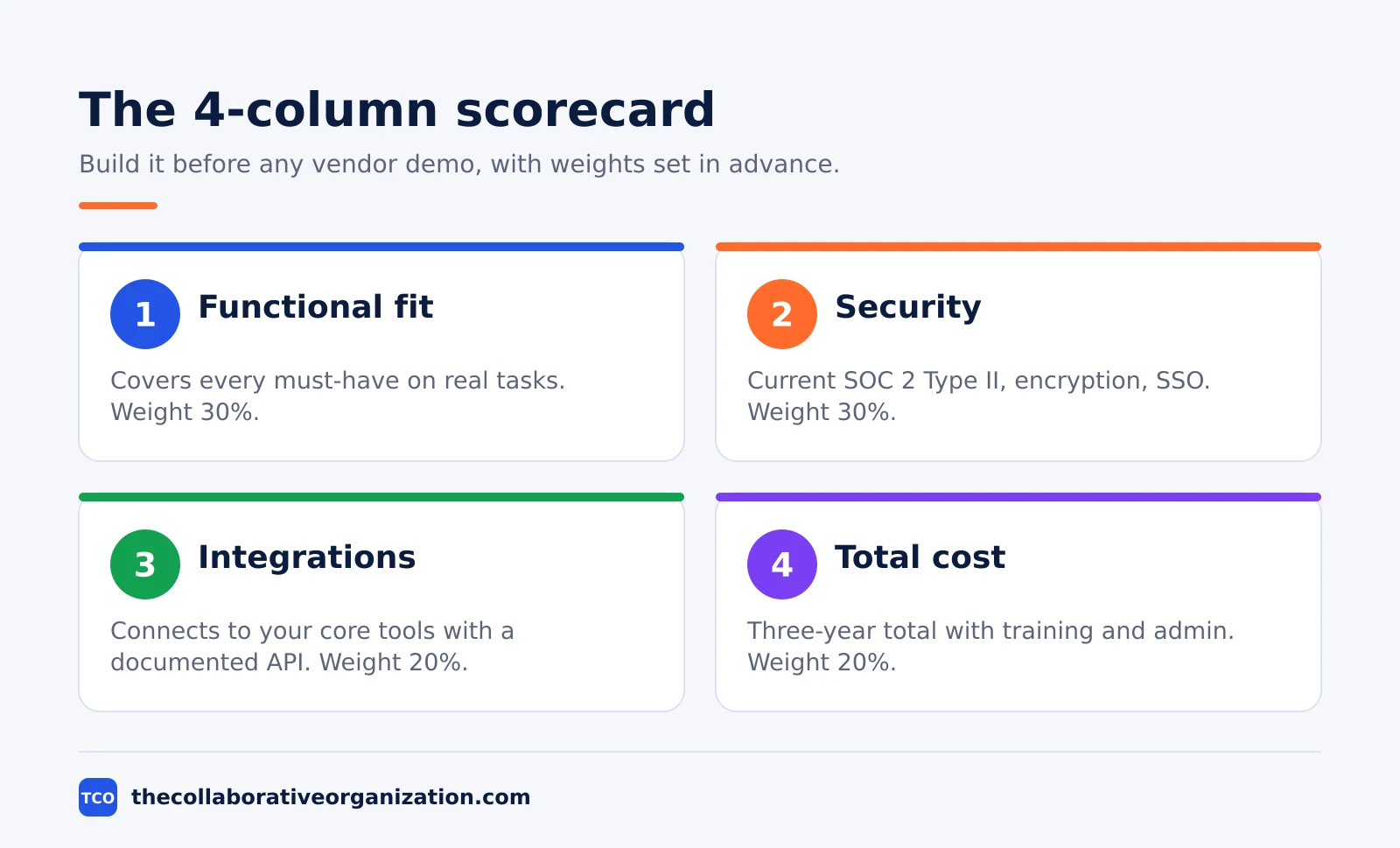
A scorecard built after the demos will be built around the vendor you already like, so build it first. Use four columns at minimum: functional fit, security, integration readiness, and total cost. Weight each column before you score, and give security up to 40 percent of the total when the data is sensitive or regulated.
| Criterion | Weight | What good looks like |
|---|---|---|
| Functional fit | 30% | Covers every must-have on real tasks, not only in the demo |
| Security and compliance | 30% | Current SOC 2 Type II, encryption, SSO, clear incident plan |
| Integration readiness | 20% | Connects to your core tools with a documented API |
| Total cost over 3 years | 20% | Subscription plus implementation, training, admin, and overages |
Score each vendor 0 to 3 on every requirement: 0 means missing, 1 means weak, 2 means good, and 3 means excellent. Weight the must-haves double, add the totals, and rank the vendors. Run at least three vendors through the same scorecard, because a single-vendor evaluation is a purchase, not a comparison.
Decide the decision rule in advance as well. Name who signs, what score wins, and what happens when the top two tie. A tie broken by a demo is a tie broken by a sales team, so break ties with a second trial task instead.
Check security early, not at the end
Security review belongs at the start of the evaluation, not after you have already picked a winner. When security happens at the end, it becomes a checkbox rather than a filter, and reversing a decision because of a late finding is expensive and embarrassing for everyone involved.
Ask for the full SOC 2 Type II report first. Type I says the controls exist at one point in time, while Type II says those controls operated effectively over a sustained period, usually six to 12 months.
The report is judged against the AICPA Trust Services Criteria, and the full report matters more than the badge, so ask for it and read the exceptions. The NIST Cybersecurity Framework gives a fuller scaffold for the same questions, covering identify, protect, detect, respond, and recover, and a full SaaS evaluation guide walks through each one.
Ask four more questions in the same call. Is data encrypted at rest with AES-256 and in transit with TLS 1.2 or higher? Where does the data live, and can you pick the region?
Will the vendor sign a data processing agreement, and does it meet GDPR, HIPAA, or CCPA where those apply? What is the incident response timeline, and how fast will you be told about a breach? A vendor that answers all four clearly is a vendor that has been asked before.
Trial with real data and real tasks
A sales demo shows you what is possible, while a hands-on trial shows you what is practical. Insist on a trial, and use it to run your own work. Import a small set of real records, give trial users their own daily tasks, and test the one integration you cannot live without. A thorough evaluation typically takes two to four weeks, which is enough time for research, demos, a real trial, and a decision.
Plan the trial in three parts. Days 1 to 3 cover setup and onboarding: can a normal user get in, find the core task, and finish it without help?
Days 4 to 7 cover core workflows: run the five tasks the team does most often, with real data and real deadlines. Days 8 to 14 cover the edges: test the integration, test the export, and test support with a real question.
Test the export on day one of the trial, not the last day. Export one project and check that tasks, owners, dates, and comments come out in a usable file.
A vendor that makes export hard during the trial will make it harder after you sign. The same rule applies to the contract: read the exit terms, the renewal terms, and the price rise clause before the trial ends.
Worked example: the true cost of a $500-a-month tool
A $500-a-month tool rarely costs $500 a month, and a three-year total shows why. Take a mid-market CRM at $500 a month with a $2,000 implementation fee. Add 30 hours of integration work at $100 an hour, and 10 hours a month of IT support at $100 an hour for three years. The arithmetic is $18,000 in subscription, plus $2,000 in implementation, plus $3,000 in integration, plus $36,000 in support, which totals $59,000 over three years.
The same pattern holds for smaller tools. Slack Pro is $7.25 per user per month billed annually (Slack pricing).
Asana Starter is $10.99 per user per month billed annually (Asana pricing).
Zoom Pro is $14.16 per user per month billed annually (Zoom pricing). For a 10-person team those are $72.50, $109.90, and $141.60 a month. The subscription is the visible line, while training time, admin time, and add-ons are the lines that double or triple the total.
Count five cost lines for every vendor: the subscription, implementation and migration, training hours at a loaded hourly rate, integration hours, and annual admin hours over three years.
Ask for the full fee schedule, not just the base price, and look for usage overages, API call limits, storage tiers, and per-seat price rises. A vendor that will not itemize the fees is a vendor whose fees will surprise you later.
Check the vendor, not only the product
A good product from a shaky vendor is a bad buy, because the vendor holds your data and your roadmap. Check three things about the company itself. First, ask for at least three reference calls, including one customer the vendor did not supply, and ask each one what broke and how support responded. Second, check the uptime history and the status page, and ask how the vendor reports outages. Third, read the contract for the exit: data export formats, timelines, and any fee for leaving.
Our guide on how to choose project management software shows the same discipline applied to one category, with a pilot plan and a price check at your seat count.
Our guide on how to choose team communication software covers the chat side, where the free-plan history limit is usually the deciding factor. The method is the same in both: define the job, score three options, trial the winner, and read the exit terms.
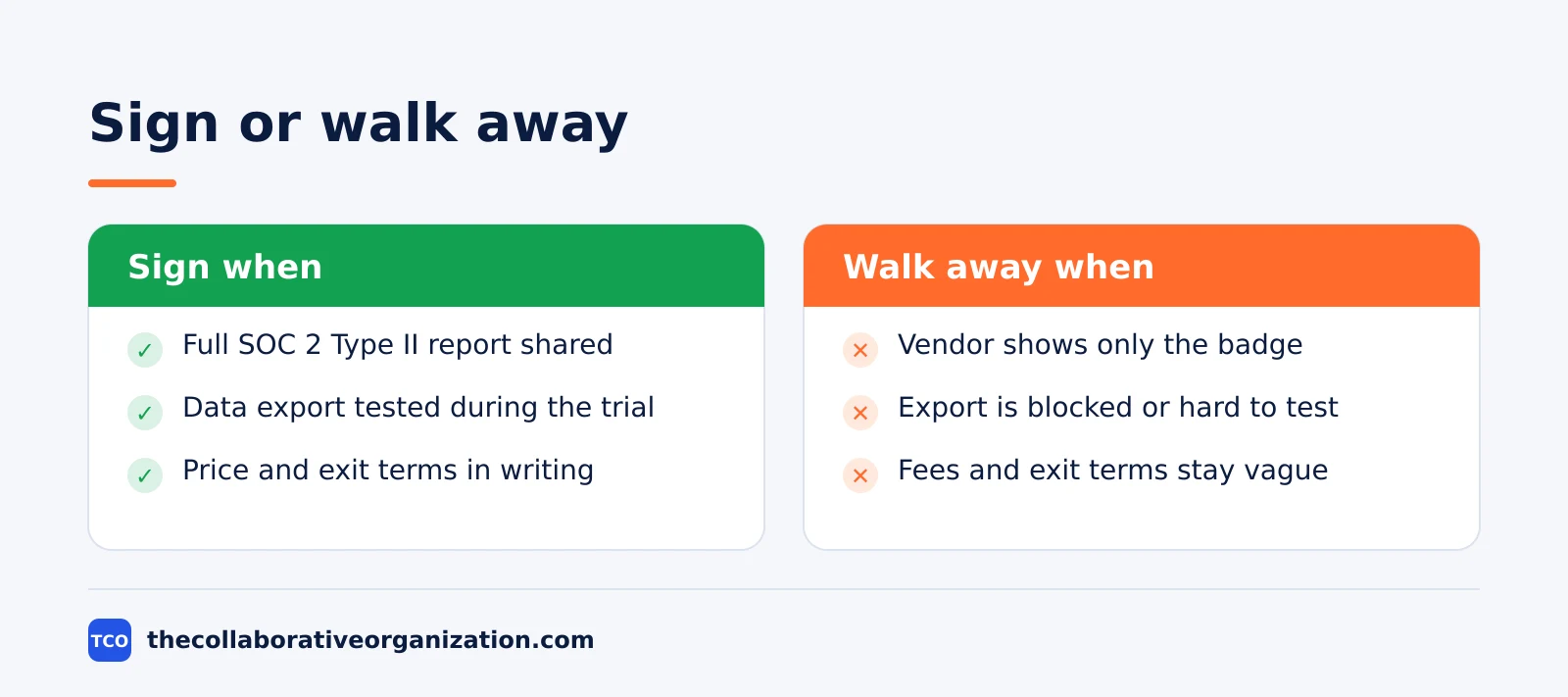
Watch for the same warning signs in every category. A vendor that will not share the full SOC 2 Type II report is telling you what the relationship will be like.
The same holds when a vendor will not let you test a data export, or will not put the price and the exit terms in writing. Walk away from those three refusals, even when the demo was the best one you saw.
Common SaaS evaluation mistakes to avoid
Most bad SaaS buys fail in the same five ways, and all five are easy to spot before you sign. Run through this list before the contract goes to legal.
- Scoring after the demos. A scorecard built around the vendor you already like is not a scorecard. Build it first, weight it first, and score every vendor on the same sheet.
- Trusting the badge, not the report. A SOC 2 badge on a website proves nothing on its own. Ask for the full Type II report and read the exceptions.
- Trialling with fake data. A trial on the vendor’s sample data proves the demo works. A trial on your real records proves the product works for you.
- Counting only the subscription. Implementation, migration, training, and admin usually double or triple the sticker price over three years. Count all five cost lines.
- Skipping the exit test. A tool you cannot leave is a tool that owns your data. Test the export during the trial, and read the exit terms before you sign.
Sources
- LaunchDay Advisors - How to Evaluate SaaS Vendors: 8 Checks Before You Sign (2026)
- SaaCompare - How to Evaluate SaaS Software: A Decision Framework for Businesses (2026)
- TopDevs - How to Evaluate SaaS Solutions Before Committing (2026)
- Slack - Pricing (2026)
- Asana - Pricing (2026)
- Zoom - Workplace Pricing (2026)
- Xaxino - The 10-Point Checklist You Need to Evaluate Business Software Correctly (2026)
Frequently asked questions
How long does it take to evaluate SaaS software?
Plan on two to four weeks for a normal tool. Spend the first week defining requirements and shortlisting three vendors, then run a structured trial with real data for one to two weeks. Complex platforms with integrations and migration need longer, but a trial that drags past a month usually means the requirements were never clear.
What is the difference between SOC 2 Type I and Type II?
Type I checks that security controls exist at one point in time, while Type II checks that the controls worked over a sustained period, usually six to 12 months. Type II is the baseline to ask for, because a control that exists on paper but never runs is no protection at all. Ask for the full report, not just the badge.
How do you calculate total cost of ownership for SaaS?
Add the subscription over three years, plus implementation, migration, training, admin time, and overages. A $500-a-month tool often costs $59,000 over three years once those items are counted. The sticker price is only the start, and the real total is usually two to three times the subscription alone.
Should you ask a SaaS vendor for reference calls?
Yes, ask for at least three reference calls, including one customer the vendor did not pick for you. Ask each reference what broke, what the support response was like, and what they would change. A vendor that cannot produce three references is telling you something about its customer base.
What should a SaaS trial test?
Your real work on your real data. Give trial users their own tasks, import a small set of real records, test the one integration you cannot live without, and export the data back out. A demo shows what is possible, while a trial shows what is practical, and the gap between the two is where bad buys happen.
When should you walk away from a SaaS vendor?
Walk away when the vendor will not share the full SOC 2 Type II report, will not let you test a data export, or will not put the price and the exit terms in writing. Those three refusals predict the three most expensive problems later: a security gap, locked-in data, and a bill you cannot explain.
Related articles

guides
Free Project Management Templates: 7 to Copy (2026)
Seven free project management templates from monday, Wrike, Teamwork, Smartsheet, ClickUp, Asana and Trello, with what each one is for and what free really costs.
November 20, 2026 · 7 min read

guides
Project Proposal Template: Copy and Win Work (2026)
A project proposal template pitches the work before it is approved: problem, solution, scope, budget, timeline and terms. Copy the template and filled example.
November 20, 2026 · 10 min read

guides
Action Plan Template: Goal to Done in One Page (2026)
An action plan template turns one goal into owned steps with dates, dependencies and a success measure. Copy the table and see it filled for a support team.
November 20, 2026 · 11 min read