Confluence vs SharePoint: Which to Use in 2026 | The Collaborative Organization
By The Collaborative Organization Team · November 19, 2026 · Last verified November 19, 2026 · 7 min read
Confluence is a wiki built around pages that teams write and edit together, while SharePoint is a document platform built around files, sites and libraries. Choose Confluence when the work is living documentation. Choose SharePoint when the work is Office files, intranets and governed records.
Key takeaways
- Confluence organises knowledge as spaces and a page tree; SharePoint organises it as sites, libraries, lists and files.
- Confluence Standard costs $7.15 per user per month for the first 100 users on monthly billing, as of November 2026.
- SharePoint comes inside Microsoft 365 Business Basic at $7 per user per month billed annually, as of November 2026.
- Standalone SharePoint Online Plan 1 and Plan 2 stopped new sales in June 2026 and retire fully by December 2029.
- Confluence fits Jira teams and living docs; SharePoint fits Microsoft 365 shops, intranets and file-heavy compliance work.
What is the difference between Confluence and SharePoint?
The difference is the content model: Confluence treats a page as the main unit, while SharePoint treats a file as the main unit. In Confluence, a team writes a page, links it to other pages, and the page tree shows the structure. In SharePoint, a team stores Word, Excel and PowerPoint files in a library, and the library holds the versions, metadata and permissions.
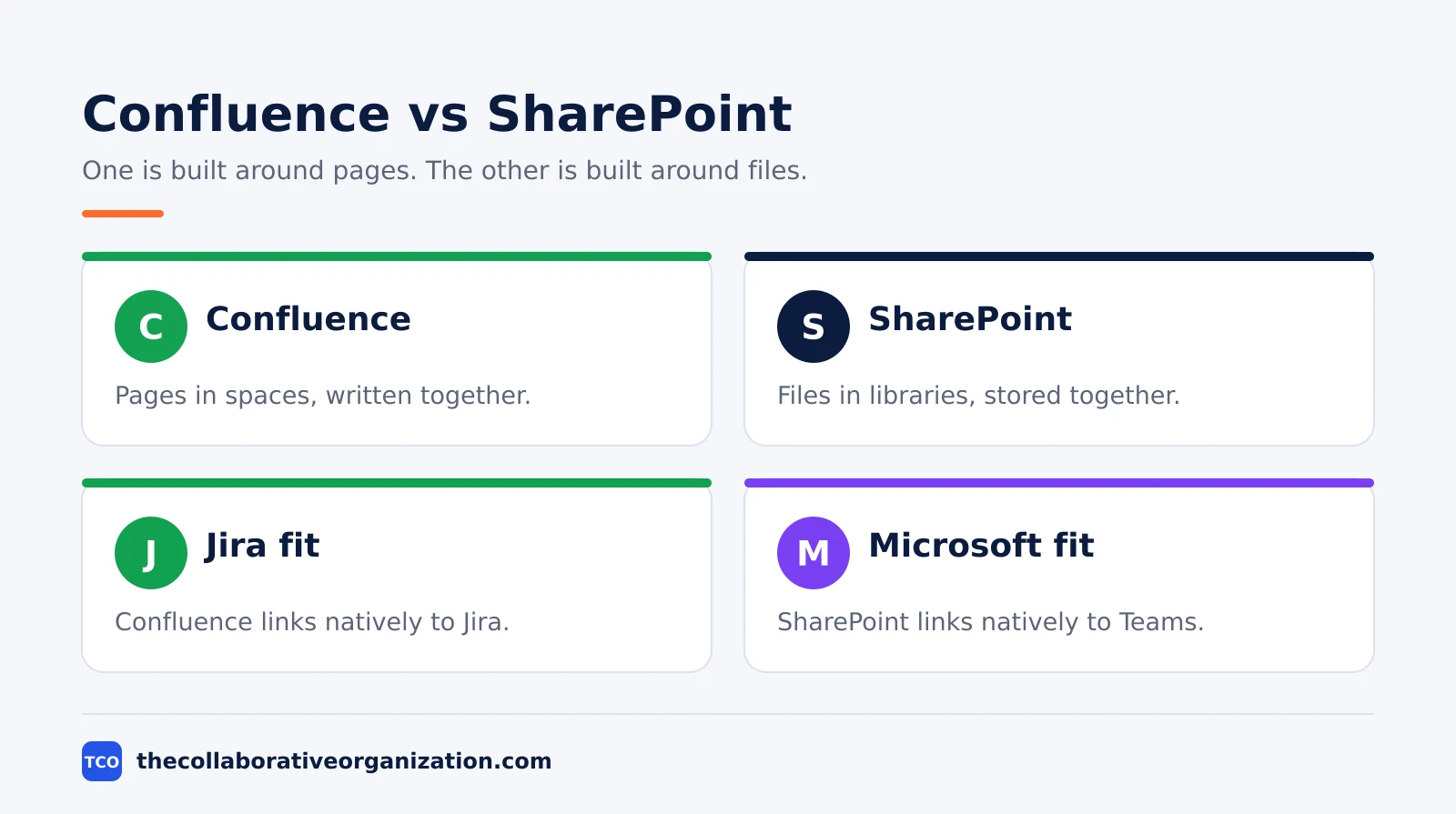
That model shapes everything else. Confluence pages support real-time co-editing by up to 12 people, inline comments and templates for meeting notes, requirements and retros. SharePoint supports co-authoring inside Office apps, version history per file, and approval flows through Power Automate. One is a place to write together; the other is a place to store and govern together.
The ecosystems differ too. Confluence links natively to Jira, so a spec page can embed live issue lists and roadmaps. SharePoint links natively to Teams, OneDrive and Outlook, so a file opened in Teams is the same file stored in SharePoint. Pick the tool whose neighbours your team already uses every day.
Confluence vs SharePoint side by side
Side by side, Confluence wins on writing and finding knowledge, while SharePoint wins on files, intranets and governance. The table below sorts the trade-offs.
| Feature | Confluence | SharePoint |
|---|---|---|
| Main unit | Pages in spaces | Files in libraries |
| Structure | Space, page tree | Site, library, list |
| Best for | Wikis, runbooks, specs | Document management, intranets |
| Office files | Attached or embedded | Native editing in browser or desktop |
| Jira integration | Native, deep | Via third-party connectors |
| Microsoft 365 fit | Separate, with integrations | Native: Teams, OneDrive, Outlook |
| Free plan | Free for up to 10 users | None standalone |
Neither tool is bad at the other’s job, but each one costs extra effort outside its home ground. A Confluence site used as a file dump turns into a pile of attachments nobody can search. A SharePoint site used as a wiki needs careful page design before it reads well.
What Confluence does best
Confluence does best what a wiki does best: living pages that a whole team writes, links and keeps current. Meeting notes, product specs, decision logs, runbooks and onboarding guides all fit the page model. Templates keep the format steady, so every retro and every spec looks the same.
Search is built for pages, not files. Labels, smart links and the page tree surface related content, and paid plans add Rovo AI search, summaries and drafting. Page insights show views and engagement, so owners can spot the pages nobody reads and either fix or delete them.
The Jira link is the feature other wikis cannot copy. A spec can show the live status of the issues it describes, so the doc never goes stale while the work moves on. Jira Standard costs $9.70 per user per month billed monthly for the first 100 users, as of November 2026.
Our guide to what a collaboration platform is explains where a wiki fits in the wider stack.
What SharePoint does best
SharePoint does best what a file platform does best: storing, versioning and governing Office documents across a whole company. Contracts, policies, reports and forms live in libraries with metadata, retention rules and approval flows. Every file keeps a version history, so an old contract can be restored in a few clicks.
The intranet is the second strength. Communication sites give each department a home page, news and links, all inside the same Microsoft 365 login staff already use. That single login is why large companies pick SharePoint: one identity, one admin console, one set of compliance rules.
Governance is the third strength. Retention, eDiscovery, sensitivity labels and data loss prevention run across Microsoft 365, and SharePoint inherits them. A regulated team that must prove who saw a file and when will find that proof in SharePoint far more easily than in a wiki.
Pricing and the SharePoint retirement
Confluence sells per user with a free tier, while SharePoint now sells inside Microsoft 365 suites, and the standalone plans are being retired. Prices below are list prices as of November 2026.
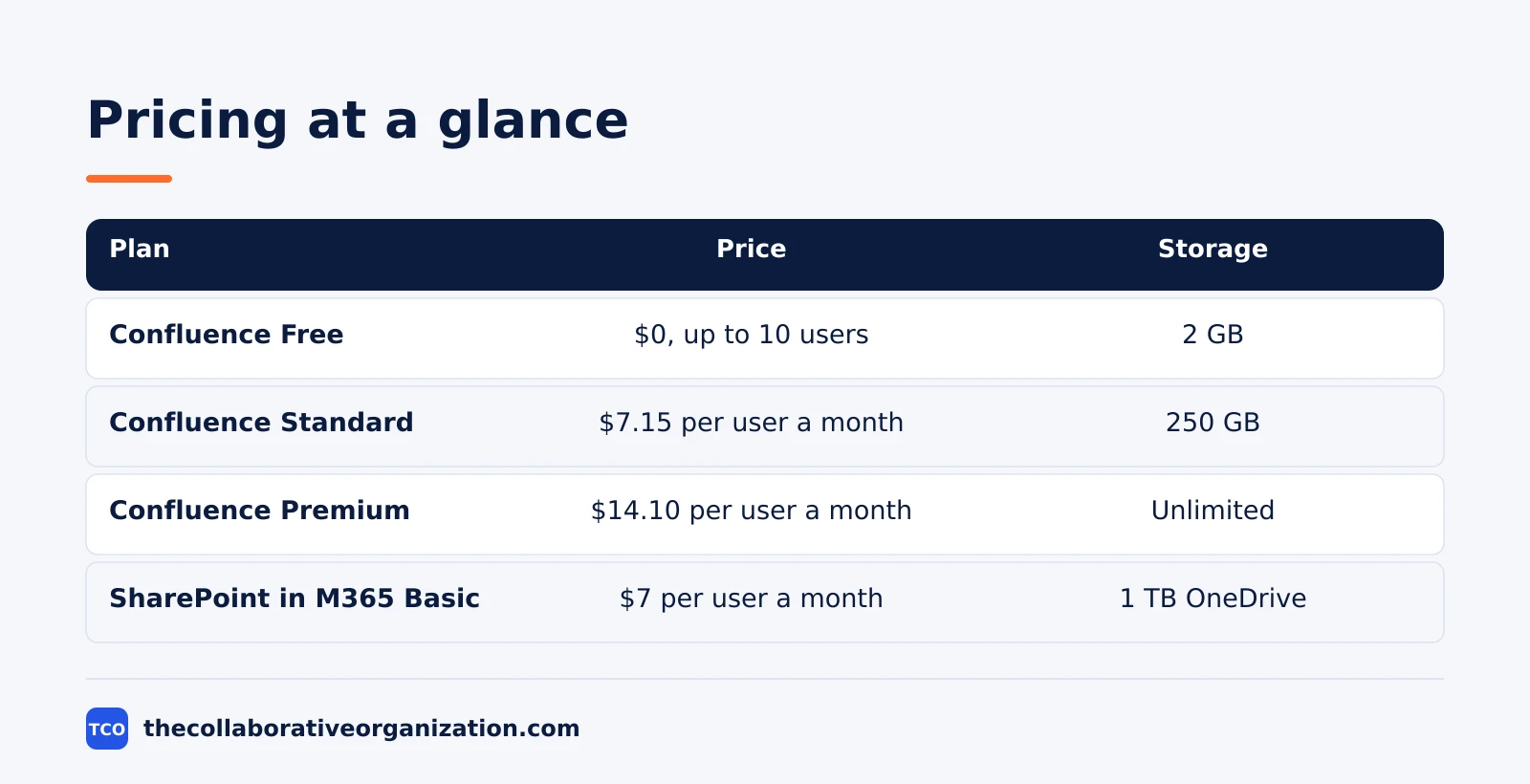
| Plan | Price (as of November 2026) | What it includes |
|---|---|---|
| Confluence Free | $0, up to 10 users | 2 GB storage, community support |
| Confluence Standard | $7.15 per user per month, monthly billing, first 100 users | 250 GB storage, page permissions, guests |
| Confluence Premium | $14.10 per user per month, monthly billing, first 100 users | Unlimited storage, 99.9% uptime SLA, 24/7 support |
| SharePoint in M365 Business Basic | $7 per user per month, billed annually | SharePoint, Teams, Exchange email, 1 TB OneDrive |
Atlassian’s own Confluence pricing page shows headline rates of $5.78 for Standard and $11.16 for Premium, which are blended rates for a 300-user team. The first-100-user rates of $7.15 and $14.10 apply after Atlassian’s 13 October 2026 price rise. Microsoft’s SharePoint plan comparison confirms SharePoint ships inside Microsoft 365 business plans with document libraries, version history and access control.
The retirement matters for budgeting. Microsoft announced in January 2026 that standalone SharePoint Online Plan 1 ($5) and Plan 2 ($10) stop new sales in June 2026, stop renewals in January 2027, and end service in December 2029.
New buyers should price the Microsoft 365 route, not the standalone plans. Before choosing, read how to choose collaboration software.
The document collaboration shortlist shows the other tools in this category.
Which one to choose
Choose Confluence when the team writes together, and choose SharePoint when the team files together. The split below covers most teams.
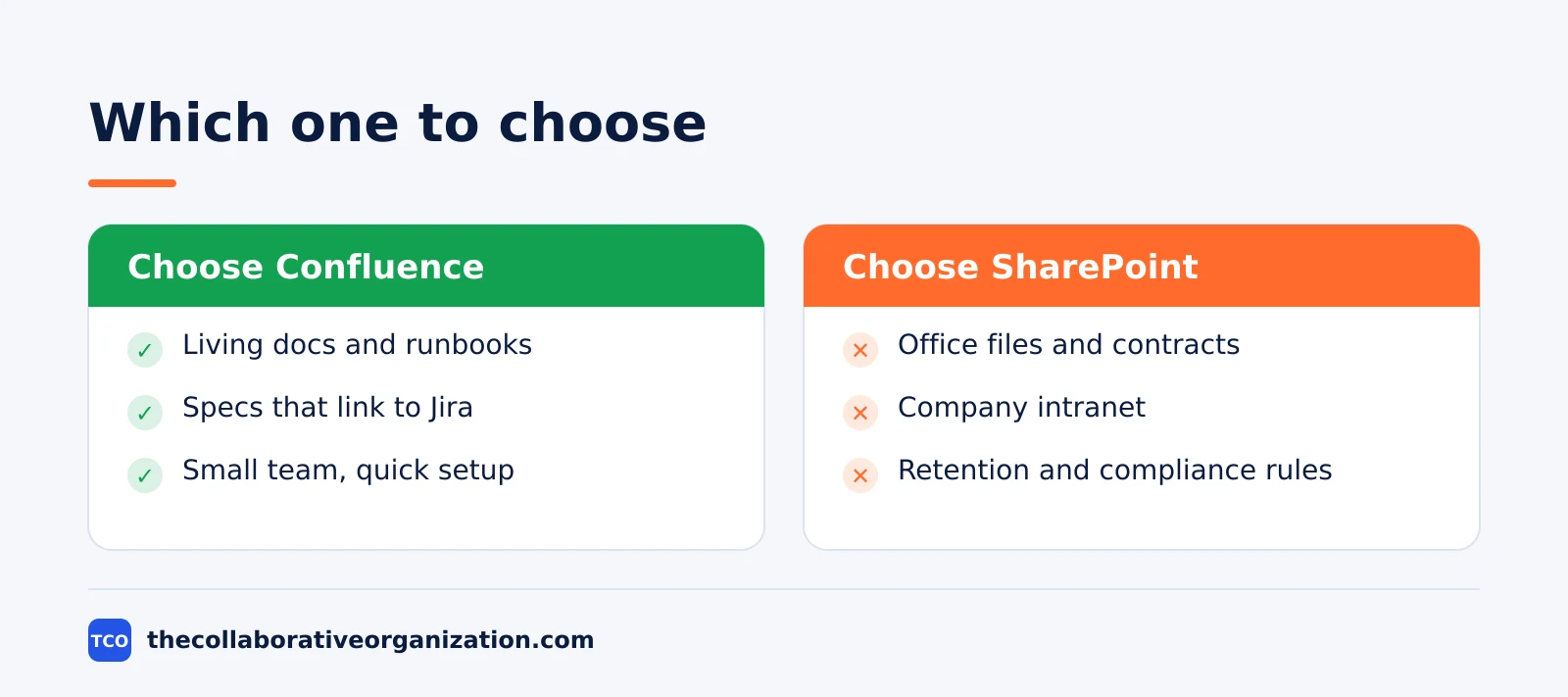
A worked example makes the choice concrete. Imagine a 30-person product company that runs on Jira and writes specs, runbooks and onboarding guides every week. Confluence fits: specs embed live Jira issues, and the page tree keeps docs findable.
Many teams end up with both: Confluence for the wiki, SharePoint for the file store and intranet. That works when each tool owns a clear job. It fails when both hold the same docs, because nobody knows which copy is current. Our guides index has more on picking document tools without that split.
Common Confluence vs SharePoint mistakes to avoid
Most teams make the same four mistakes, and all four come from judging one tool by the other tool’s job. Avoid them and either choice works well.
- Using Confluence as a file dump. Attachments piled into pages are hard to search and version, so keep files in a file store and link them.
- Using SharePoint as a wiki without design. A SharePoint wiki needs planned pages and navigation, or it becomes a maze of libraries.
- Pricing the retired standalone plans. Standalone SharePoint Plan 1 and Plan 2 are closed to new buyers, so budget the Microsoft 365 suite instead.
- Letting both tools hold the same docs. Two copies of one policy will drift apart, so name one home for each type of content.
The fix for all four is the same: name the job first, then pick the tool whose content model matches it. A page-shaped job belongs in Confluence, and a file-shaped job belongs in SharePoint.
Sources
- Atlassian - Confluence Pricing (2026)
- Microsoft - SharePoint Compare Plans (2026)
- Smikar - SharePoint Pricing and Licensing (2026)
- Nuclino - Confluence vs SharePoint (2026)
- GoTechPresso - Confluence Pricing (2026)
- Atlassian - Jira Pricing (2026)
Frequently asked questions
Is Confluence better than SharePoint for documentation?
Yes, for living documentation that people edit together, such as runbooks, specs and onboarding guides. Confluence pages are easy to write, link and update, and Jira links sit inside the page. SharePoint wins when the work is files: contracts, policies and Office documents that need version control and approval.
Can SharePoint replace Confluence?
It can, if your team already lives in Microsoft 365 and mostly stores Office files. SharePoint pages work as a wiki, but they take more setup and the writing experience is weaker than Confluence. Teams that switch usually miss Confluence templates and the page tree within a month.
Is SharePoint free with Microsoft 365?
There is no free standalone SharePoint plan. SharePoint comes inside Microsoft 365 business plans, starting with Business Basic at $7 per user per month billed annually, as of November 2026. Standalone SharePoint Online Plan 1 and Plan 2 stopped new sales in June 2026 and retire fully by December 2029.
Does Confluence work without Jira?
Yes. Confluence works on its own as a wiki, and many teams use it without Jira. The Jira integration is a bonus, not a requirement: it embeds live issue lists and roadmaps in pages. If your team does not use Jira, judge Confluence on its pages, templates and search alone.
Which one is easier to set up?
Confluence is easier for a small team: create a space, write pages, and the page tree organises itself. SharePoint needs more planning around sites, libraries, permissions and metadata before it feels tidy. Large Microsoft 365 shops often accept that setup cost because governance and compliance matter more to them.
Related articles
document collaboration
Airtable vs Google Sheets: Which to Use in 2026
Airtable is a database with views and automations; Google Sheets is a free spreadsheet. Learn the limits, the 2026 prices, and which one fits your team's data.
November 19, 2026 · 7 min read
document collaboration
How to Document Processes: A Step-by-Step Guide (2026)
To document a process, pick one task, watch it done for real, map the steps and decisions, then test the draft on someone new. Follow the 7 steps in this guide.
November 19, 2026 · 10 min read
document collaboration
How to Organize Shared Drive Folders (2026)
To organize shared drive folders, use team-owned Shared drives, 5 to 7 top-level folders, names with dates, and shortcuts instead of copies. Follow the 7 steps here.
November 19, 2026 · 11 min read