What Is a Collaboration Platform? (2026) | The Collaborative Organization
By The Collaborative Organization Team · November 19, 2026 · Last verified November 19, 2026 · 9 min read
A collaboration platform is a shared digital workspace where a team chats, shares files, tracks tasks and meets in one place. It replaces scattered email threads and separate apps with one home for the work. A platform can be one product or a connected set of tools. The test: can the team find the latest file without asking around?
Key takeaways
- A collaboration platform combines chat, file sharing, task tracking and meetings in one shared workspace.
- Its core parts are messaging, live document editing, task plans, search and access controls.
- A chat app handles talk, a project tool handles plans, and a platform covers both or links them.
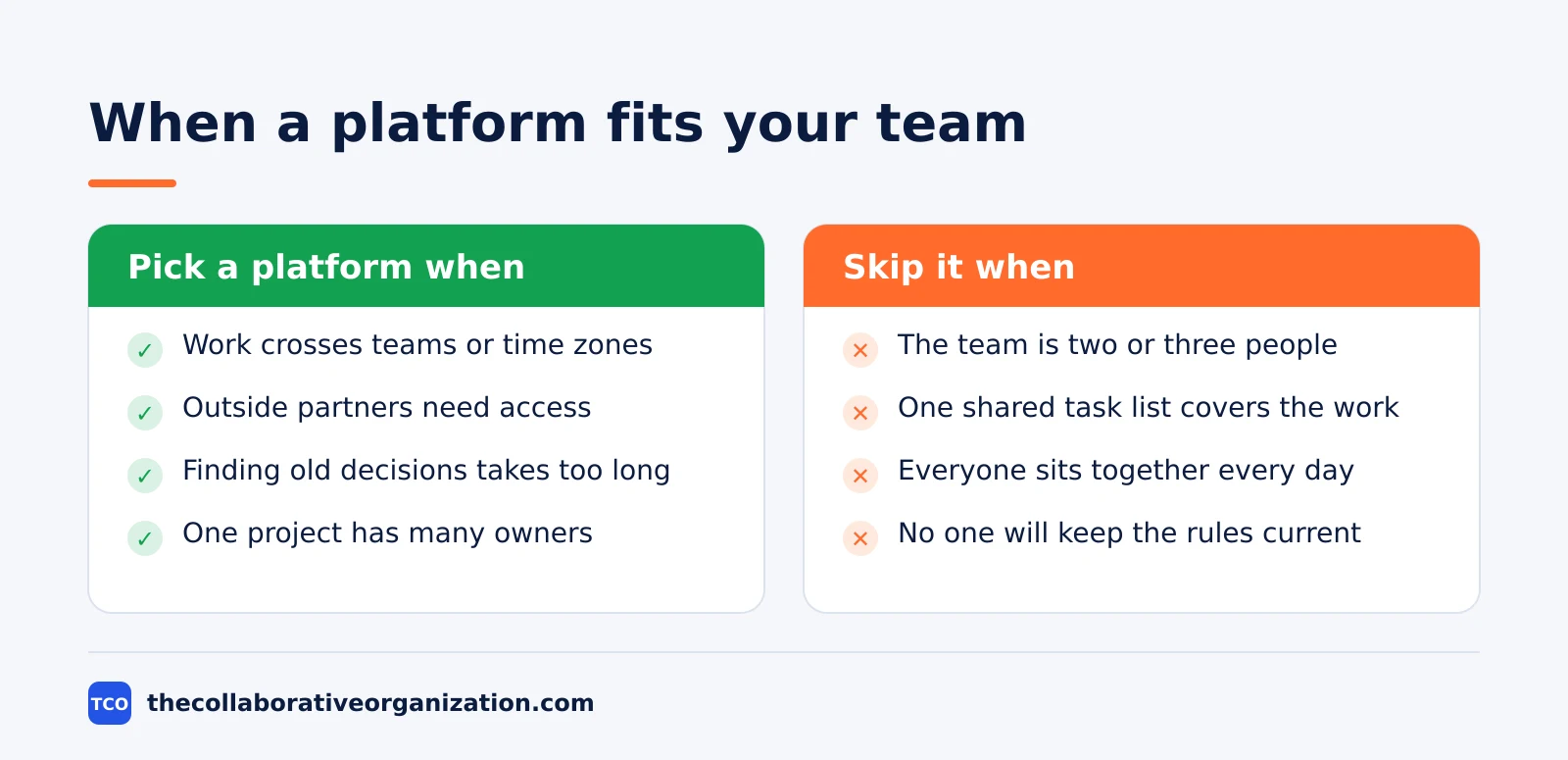
- A platform earns its keep when work crosses teams, time zones or outside partners.
- Slack Pro costs $7.25 per user per month billed annually as of November 2026, while Trello Standard costs $5.
What a collaboration platform includes
A collaboration platform includes four parts: messaging, shared files, task plans and search. Bloomfire describes it as a digital environment that supports communication, project management and information sharing in one place. Each part answers a different need, and a platform is weak when one part is missing.
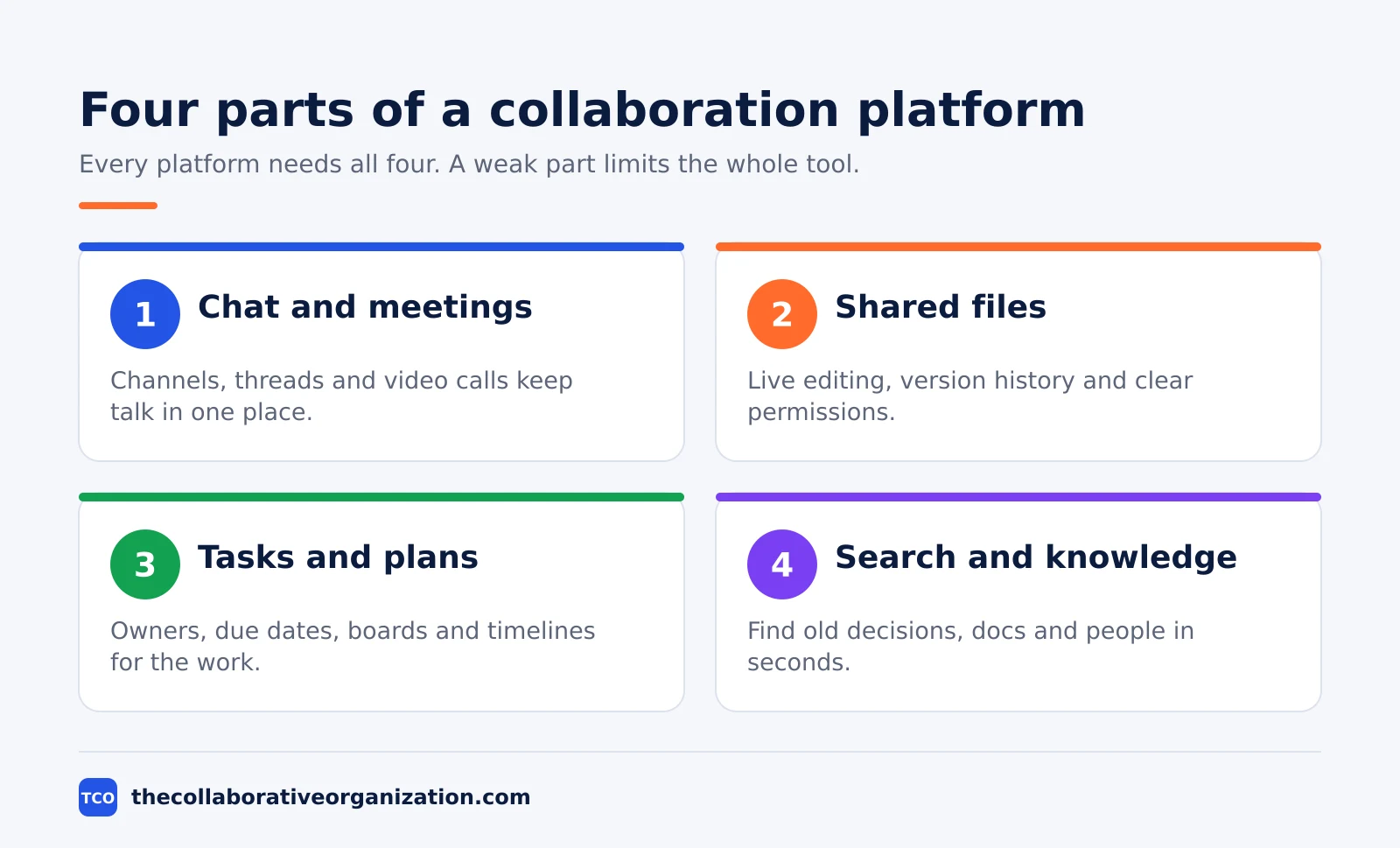
Messaging covers chat channels, direct messages, threads and video calls. TalkSpirit lists instant messaging, video calls, work groups and a shared calendar among the core features. Channels keep each topic in one thread, so a new joiner can read the history instead of asking for a catch-up.
Shared files mean live co-editing, version history and clear permissions. The best tools let teams create, edit, review and share content together, according to eLearning Industry. When two people edit the same document at once, the platform should show both sets of changes and keep one current version.
| Part | What it does | Example |
|---|---|---|
| Chat and calls | Channels, threads, video meetings | Slack, Microsoft Teams |
| Shared files | Live editing, versions, permissions | Google Docs, Dropbox |
| Tasks and plans | Owners, due dates, boards, timelines | Asana, Trello |
| Search and knowledge | Find decisions, docs and people fast | Notion, Confluence |
Search and access controls are the parts teams notice last and miss most. A platform should find a decision from three months ago in seconds, and it should limit who can see sensitive files. eLearning Industry lists encryption, role-based access controls and audit logs among the security features to check before you buy.
How a collaboration platform works day to day
Day to day, a collaboration platform is where work starts, moves and gets recorded. A request arrives in a channel, someone turns it into a task with an owner and a due date, and the discussion stays attached to that task. The file, the comments and the decision live together, so nobody has to rebuild the story later.
Teams talk in “channels”, named spaces for each project, team or topic. A channel for a product launch holds the plan, the drafts and the sign-off, while a general channel holds announcements. Direct messages stay for quick one-to-one questions that do not need the whole team.
The shared record is what makes the platform different from chat alone. Our guide to what team collaboration means explains how shared goals and shared tools change the way a team works. When a decision is made in a call, someone writes it down in the same space, with the date and the name of the person who decided it.
Collaboration platform vs chat app vs project tool
A chat app handles talk, a project tool handles plans, and a collaboration platform covers both. The mix-up to avoid is buying a chat app and expecting it to plan work, or buying a project tool and expecting it to replace conversation. Each tool answers a different question.
| Tool | Main job | What it misses |
|---|---|---|
| Chat app | Fast talk in channels | No plans, files scatter |
| Project tool | Plans, owners, deadlines | Talk lives elsewhere |
| Collaboration platform | Talk, files and plans in one place | Needs setup and rules |
A chat app answers “what did we say?” A project tool answers “who does what, by when?” A platform answers both, and adds “where is the file?” The overlap is real: most chat apps now hold files, and most project tools now hold comments. The line is about the main job, not about a single feature.
The difference also shows in how teams use each tool. Collaboration vs cooperation draws a similar line between working side by side and working toward a shared result. A platform supports the second kind: people build on each other’s work instead of just passing messages.
Types of collaboration platforms
Most platforms start from one strength and add the rest around it. The starting point shapes what the tool does best, and it tells you where the gaps will be. Four types cover most of the market.
- Messaging-first platforms. Slack and Microsoft Teams start with chat and channels, then add files, calls and apps. They suit teams that live in conversation and need fast answers.
- Work-management platforms. Asana and monday.com start with tasks, boards and timelines, then add chat and docs. They suit teams that plan first and talk around the plan.
- Docs-first platforms. Notion, Confluence and Google Docs start with pages and wikis, then add tasks and comments. They suit teams whose work is mostly written knowledge.
- Visual platforms. Miro and FigJam start with shared boards and whiteboards, then add comments and voting. They suit design, planning and workshop work.
No type is best for every team. A docs-first platform can feel slow for a support team that needs fast chat, and a messaging-first platform can feel thin for a team that needs detailed plans. Match the starting point to the work the team does most.
How to choose a collaboration platform
Choose a platform by testing it on one real team for two weeks, not by reading feature lists. A trial with real work shows the gaps that a demo hides: slow search, missing permissions, or a mobile app nobody opens. Shortlist two tools, run the same project in both, then pick the one the team actually opens.
Start with the work, not the vendor. List the five things the team does every week, such as review designs, track client requests or plan releases. Any tool that cannot do those five things well is out, no matter how long its feature list is.
Check the three limits that cause most regret. First, the free plan: how many people, projects and files does it allow? Second, the admin controls: can you set who sees what?
Third, the exit: can you export your files and history if you leave? Our guide on how to choose team communication software covers the same checks for chat tools.
Price the whole team, not one seat. A $7 seat is cheap until 40 people need it, and a 3-seat minimum changes the bill for a team of two. Our guide on how to choose project management software shows how to count seats, free-plan caps and paid tiers before you commit.
Worked example: a 12-person marketing team
A 12-person marketing team shows how the parts fit together in one week. This is an illustration, not a real team. The team runs three campaigns at once, with two designers, four writers, three marketers, two analysts and one manager. Before the platform, briefs lived in email, files lived in personal drives, and status lived in a weekly meeting.
On the platform, each campaign gets one channel, one board and one shared folder. A writer posts a draft in the channel, the designer comments on the same thread, and the manager approves it with a dated note. The board shows each article moving from brief to draft to review to published, and the folder holds the final files.
The change the team feels first is fewer meetings. Status updates move to the board, so the weekly meeting drops from 60 minutes to 30 and covers only blocked work. The change they feel second is faster answers: a new writer finds the last campaign brief through search instead of asking the manager for it.
One rule keeps the setup clean: every decision gets written in the channel where the work lives, with a date. After four weeks the team has a record they can search, and the manager stops being the only person who knows why a choice was made.
Tools that work as collaboration platforms
Four tools cover the main starting points, and each one prices differently. Compare them on the project management software shortlist before you pick, and check the free-plan limits first: a free plan that fits today may cap the team at 10 people next quarter.
| Tool | Best for | Free plan | Starting price (as of November 2026) | Notable limit |
|---|---|---|---|---|
| Slack | Teams that live in channels and apps | Free plan | $7.25 per user per month (Pro), billed annually | Full history needs a paid plan |
| Asana | Teams that want tasks next to the talk | Free for 2 people | $10.99 per user per month (Starter), billed annually | Free plan covers 2 people |
| monday.com | Teams that want visual boards | Free plan for up to 2 seats | $9 per seat per month (Basic), billed annually | Paid plans need at least 3 seats |
| Trello | Small teams that want simple boards | Free for up to 10 collaborators | $5 per user per month (Standard), billed annually | Advanced views need Premium |
The Slack price comes from a November 2026 check of Slack pricing: Pro is $7.25 per user per month billed annually, or $8.75 billed monthly.
The Asana price comes from Asana pricing, opened on 19 November 2026: the Personal plan is free for 2 users, and Starter is $10.99 per user per month when billed annually.
The monday.com price is $9 per seat per month billed annually for Basic, with a 3-seat minimum, per a November 2026 check of monday.com pricing.
The Trello price comes from Trello pricing, opened on 19 November 2026: Standard is $5 per user per month billed annually, and the free plan covers up to 10 collaborators per workspace.
Common collaboration platform mistakes to avoid
Most platforms fail for the same five reasons, and none of them is the software itself. Run through this list before you roll a tool out to a second team.
- Too many channels. Each new channel splits attention, and a channel nobody reads is worse than no channel at all.
- No rules for where decisions live. If half the decisions sit in chat and half in email, the platform holds no record at all.
- Files in personal drives. A shared folder only works when the final file lands there, not in one person’s account.
- Everyone added on day one. A big launch with no training fills the tool with half-finished boards and dead channels.
- Never cleaning up. Old channels, stale boards and ex-staff accounts pile up, and search slowly fills with junk.
Sources
- Bloomfire - What Is a Collaboration Platform? (2025)
- TalkSpirit - Collaborative Platform: Definition and Challenges (2026)
- eLearning Industry - Collaboration Platforms: How To Choose The Right One (2026)
- RIOT - Collaboration Platforms, defined (2026)
- TrueConf - Slack vs Microsoft Teams (2026)
- Asana - Pricing (2026)
- Trello - Pricing (2026)
- Slack - Pricing (2026)
- monday.com - Pricing (2026)
- Rock - Slack Pricing 2026 (2026)
Frequently asked questions
What is a collaboration platform in simple terms?
It is one shared online workspace where a team chats, shares files, tracks tasks and meets. Instead of hunting through email threads and separate apps, the team finds the latest file, the decision and the owner in the same place.
Is Slack a collaboration platform?
Slack works as one when it is paired with file storage and task tools, but on its own it is mainly a messaging app. A full platform also covers shared documents, task plans and search, either inside one product or through connected apps.
What is the difference between a collaboration platform and a project management tool?
A project management tool plans work: owners, due dates, dependencies and timelines. A collaboration platform is wider: it adds chat, meetings, files and knowledge to the plan, so talk and tasks live in the same place.
Do small teams need a collaboration platform?
A team of two or three people with one shared task list often does fine with chat plus a simple board. A platform earns its keep when work crosses teams, time zones or outside partners, and when finding old decisions starts to take real time.
How much does a collaboration platform cost?
Many tools start free for small teams, and paid plans usually run from about $5 to $11 per user per month as of November 2026. The real cost is the time spent setting it up and keeping its rules current, so start with one team before rolling it out widely.
Related articles

project management
How to Choose Project Management Software (2026)
Pick project management software in seven steps: define the work, count seats, price the real cost, and run a two-week pilot before you pay.
November 19, 2026 · 10 min read

project management
What Is a RACI Matrix? Definition, Roles and Examples (2026)
A RACI matrix maps who is Responsible, Accountable, Consulted and Informed for each task. Learn the four roles, how to build one, and see a worked example.
November 19, 2026 · 9 min read

project management
Daily Standup Meeting Format That Works (2026)
A daily standup is a 15-minute meeting where Developers inspect progress toward the Sprint Goal and plan the next day. Use this format to run one that ends on time.
November 19, 2026 · 10 min read