What Is Remote Work? Definition and How It Works (2026) | The Collaborative Organization
By The Collaborative Organization Team · November 19, 2026 · Last verified November 19, 2026 · 11 min read
Remote work is doing your job from outside a central office, usually from home, with the work itself unchanged. The job, the hours, and the pay stay the same; only the place changes. A remote worker might sit at a kitchen table, a coworking desk, or a home office, and still do the same work as an office colleague.
Key takeaways
- Remote work means the job is done outside a central office, usually from home, while hybrid work splits the week between office and home.
- About 25 percent of all paid workdays in the United States were done from home in November 2025, and that share has held steady since 2023.
- About half of the United States workforce holds jobs that can be done remotely, according to Gallup.
- Remote workers are usually the most engaged group: 31 percent engaged, against 23 percent for hybrid and on-site workers in Gallup’s 2025 data.
- Remote work runs on written updates, video calls, and shared documents, not on being seen at a desk.
What remote work means
Remote work means the work happens where the worker is, not where the employer’s office is. The arrangement can be full-time remote, with no office days at all, or part-time remote within a hybrid schedule. What makes it remote is not the building, but the fact that the team works together without sharing a room.
The scale is easy to understate. WFH Research, which runs a monthly survey of working arrangements in the United States, found that about 25 percent of paid days in November 2025 were work-from-home days. That share has held steady since about 2023, which means remote work stopped growing and started lasting.
Research published by the National Bureau of Economic Research puts the same figure at about 25 percent of all paid workdays as of 2025, roughly 3.5 times its 2019 level.
Not every job can move. Gallup estimates that remote-capable workers are about half of the total United States workforce, so the other half does work that needs a site. Knowledge work fits remote work best: writing, design, coding, sales, and support all travel well over the internet.
The main types of remote work
Remote work comes in four shapes, and the shape decides what a team must do differently. Most teams use one of them, and the choice is usually set by the employer rather than by each worker.
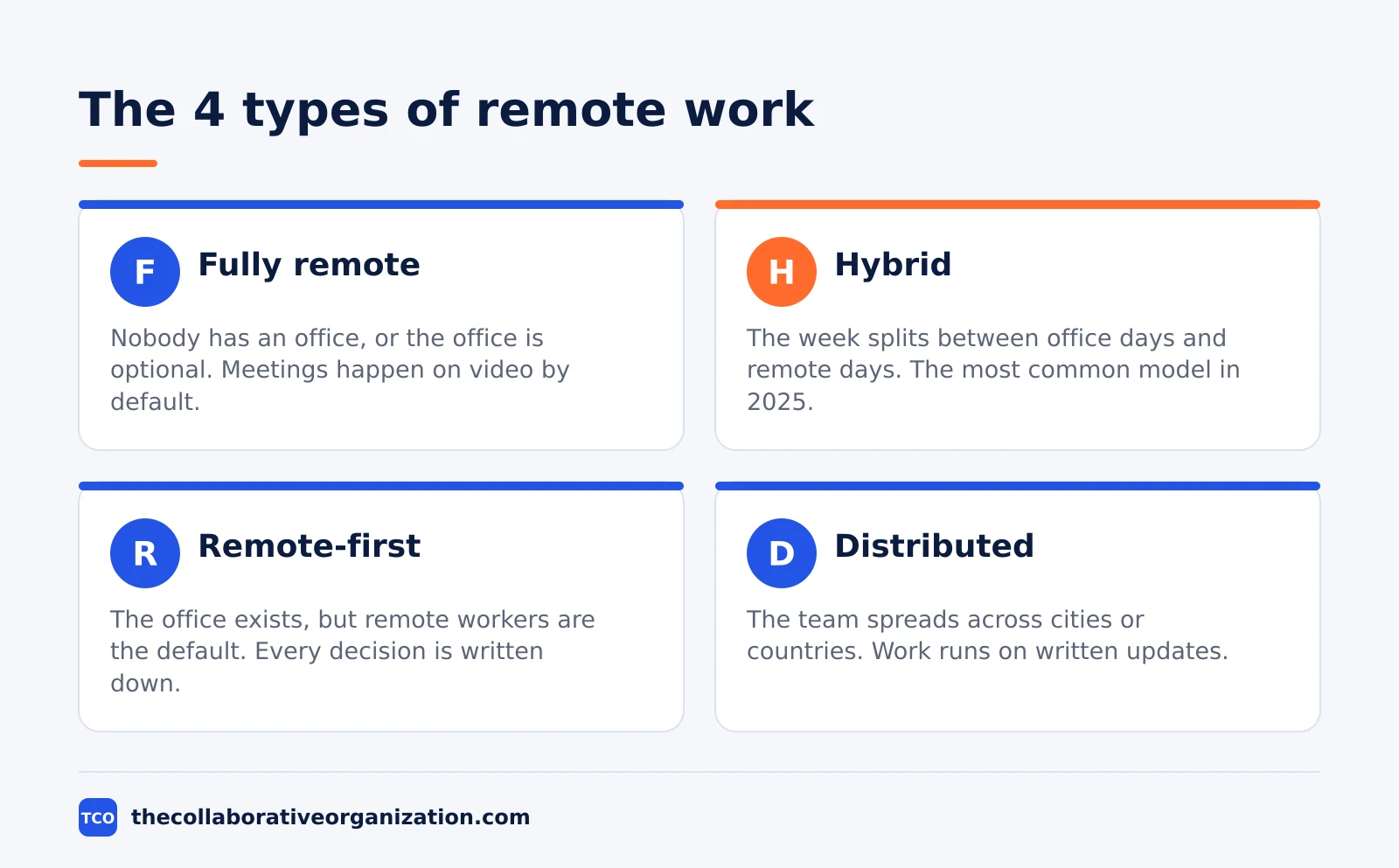
- Fully remote. Nobody has an office, or the office is optional. The whole company works from home or from coworking spaces, and meetings happen on video by default.
- Hybrid. The week splits between office days and remote days. Gallup defines hybrid as working remotely between 10 percent and less than 100 percent of the time.
- Remote-first. The company has an office, but remote workers are the default. Every meeting has a video link, and every decision is written down so people who are not in the room can follow it.
- Distributed. The team spreads across cities or countries, often across time zones. Work runs on written updates and recorded decisions, because the team is rarely online at the same hour.
Fully remote and distributed teams look alike, but they differ in one way: a fully remote team can still share a city and a time zone, while a distributed team usually cannot. Our comparison of remote vs hybrid vs office work sets the three main models side by side.
How remote work is organized day to day
A remote team stays in sync with three habits: written updates, a short overlap window, and one place for decisions. Without a shared room, the team needs a shared record, and the record replaces the overheard conversation.
Written updates come first. Each person posts what they did, what they plan next, and what blocks them, usually once a day in a shared channel or document. A decision made in a call gets written down with the reason, so someone in another time zone can read it the next morning.
The overlap window comes second. A team spread across time zones picks two or three hours when everyone is online, and puts its meetings there. Outside that window, people work when it suits them, and keeping the window short is what makes remote work feel flexible instead of fragmented.
One place for decisions comes third. The team keeps its plans, documents, and links in one shared workspace, so nobody has to ask where the latest version lives. Pew Research Center found that 71 percent of teleworkers say working from home helps them balance work and personal life.
Remote work vs hybrid work vs office work
Remote work removes the office, hybrid work keeps it part-time, and office work keeps it full-time. The three models differ in who they suit and what they cost, and the table below shows the split.
| Feature | Remote | Hybrid | Office |
|---|---|---|---|
| Where work happens | Home or anywhere | Office plus home | Office |
| Office days | None | 1 to 4 a week | 5 a week |
| Best for | Focus work, wide hiring | Mixed focus and face time | Hands-on work, new starters |
| Main risk | Loneliness, weak ties | Unequal experience | Commute, narrow hiring |
| Commute cost | Near zero | Part-time | Full-time |
The numbers behind the table are stable. In Gallup’s 2025 data, 51 percent of remote-capable United States employees worked hybrid, 28 percent worked exclusively remote, and 21 percent worked on-site.
Pew Research Center found a similar split in 2023: 35 percent of remote-capable workers worked from home all the time, 41 percent worked hybrid, and about 14 percent of all employed adults, about 22 million people, worked from home all the time.
The choice between them is rarely about preference alone. Employers pick hybrid when the work needs some face time, remote when the talent pool matters more than the building, and office when the work needs hands on site. Our guide on how to run a hybrid meeting covers the meeting habits that make the middle model work.
What the evidence says about remote work
The best evidence says remote and hybrid work do not hurt output, and they help retention. Two randomized trials, the strongest kind of evidence, tested the claim directly rather than asking people how they felt.
In the first, researchers randomly assigned 1,612 employees at Trip.com to work from home two days a week or to stay in the office five days a week. The hybrid group was just as productive and just as likely to be promoted, and resignations fell by 33 percent.
In the second, a 2015 trial of 249 call-center workers found fully remote workers were 13 percent more productive, and attrition fell from 35.0 percent in the office group to 17.0 percent at home.
Engagement tells a more mixed story. Gallup’s 2025 global workplace data puts fully remote workers first on engagement at 31 percent, ahead of hybrid and on-site workers at 23 percent each, but last on thriving in life at 36 percent against 42 percent for the other two groups.
Remote workers also reported more loneliness, at 27 percent against 20 percent for on-site workers who could work remotely. The pattern is real: remote work engages people at work and isolates them outside it.
A worked example: a remote support team
A small support team shows how the pieces fit together in practice. Imagine a team of six support agents for a software company, spread across three time zones, with no office. The team answers customer tickets, and the customers expect replies within four hours.
The team works in two overlap windows: a morning window for handover and a late window for the tricky tickets. Each agent posts a short written update at the start of their shift, listing the tickets they own and anything that needs a second pair of eyes.
The team keeps a shared document of answers to common questions, so a new agent can reply without asking a colleague who is asleep.
When a ticket needs a live call, the agent books a video meeting and records the outcome in the ticket. The team lead reviews the ticket queue once a day, reading the queue rather than watching who is online.
Tools that make remote work run
Four tools cover the whole remote stack: chat for quick questions, video for live talk, documents for shared work, and a workspace for plans. A team that picks one of each and uses it every day avoids the tool sprawl that kills remote teams. Our guide on how to choose team communication software walks through the same choice in more detail.
| Tool | Best for | Free plan | Starting price (as of November 2026) | Notable limit |
|---|---|---|---|---|
| Slack | Team chat and quick questions | Free plan with 90 days of history | $7.25 per user per month (Pro), billed annually | Message history is limited on Free |
| Zoom | Video meetings and calls | Basic free, 40-minute group meetings | $14.16 per user per month (Pro), billed annually | 100 participants on Pro |
| Google Meet | Video inside Google Workspace | No free business plan | $7 per user per month (Business Starter), billed annually | 100 participants on Starter |
| Notion | Shared docs and team workspace | Free plan for individuals | $10 per member per month (Plus), billed annually | Full AI features need Business |
The Slack price comes from Slack pricing, where Pro is $7.25 per user per month billed annually and Business+ is $15. Slack’s own page returns a JavaScript shell to our fetcher, so the figures are confirmed by independent checks against Slack’s pages in October and November 2026.
Zoom’s Pro price is $14.16 per user per month billed annually, or $16.99 billed monthly, read from Zoom pricing in October and November 2026.
Google Workspace Business Starter is $7 per user per month billed annually, or $8.40 on the flexible plan, and the Notion pricing page lists Plus at $10 per member per month billed annually. Compare the full shortlist on our team communication software shortlist before you pick.
When remote work works, and when it does not
Remote work works when the job is written down, the results are visible, and the team meets on purpose. It fails when the job lives in people’s heads, results are judged by presence, and meetings happen by accident.
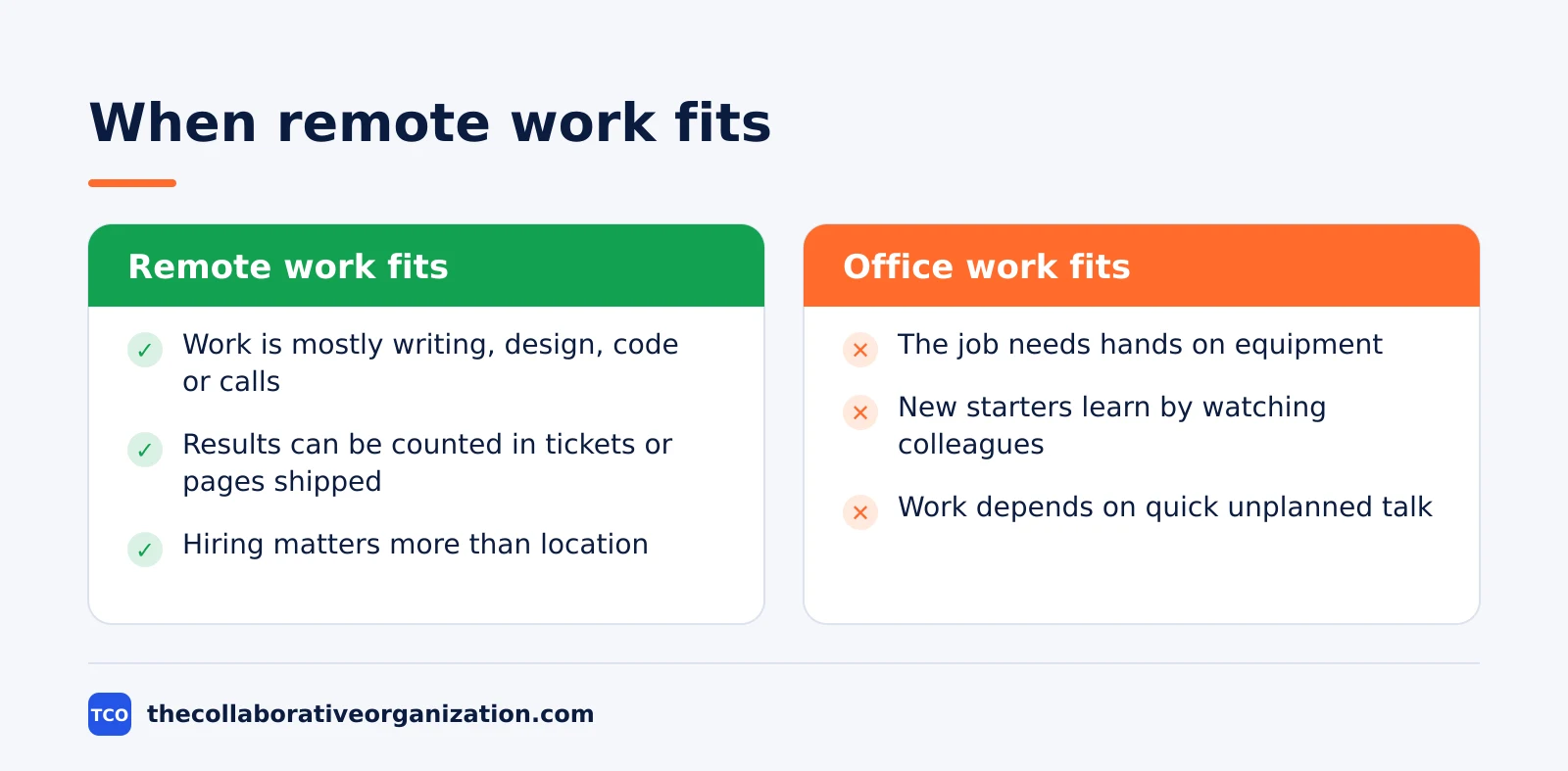
Remote work fits when the work is mostly writing, design, code, or calls; when results can be counted in tickets closed, pages shipped, or deals won; and when the team already trusts each other. It also fits when hiring matters more than location, since a remote team can hire in any city.
Office work fits better when the job needs hands on equipment, when new starters need to learn by watching, or when the work depends on quick, unplanned talk between people who sit together. A new graduate on their first job usually learns faster in an office, and a team building a physical product cannot prototype from home.
The middle ground is common for a reason. FlexJobs found in its 2025 survey of more than 3,000 United States professionals that 76 percent would look for a new job if forced back to the office full-time, while only 2 percent prefer full-time office work. Most workers want some remote time, not all of it.
Common remote work mistakes to avoid
Remote teams fail in the same five ways, and all five come from copying office habits into a remote setting. Fix the habit, not the person.
- Judging work by online status. A green dot says nothing about output. Judge the work, not the presence, and check the queue instead of the chat list.
- Making every decision in a live meeting. Decisions made in a call exclude anyone in another time zone. Write the decision down with the reason, or the team splits into those who were there and those who were not.
- No overlap window. A team with no shared hours cannot meet at all, and tickets wait a full day for an answer. Pick two or three shared hours and protect them.
- Letting chat replace documents. Chat scrolls away, and a decision made in chat is lost by Friday. Put plans and answers in a shared document, and use chat for questions.
- Ignoring loneliness. Remote workers report more loneliness than office workers, and a team that never meets in person drifts apart. Plan a regular video social or an occasional in-person meetup, and treat it as work, not a perk.
Sources
- WFH Research - SWAA December 2025 Updates (2025)
- NBER - Why Working from Home Will Stick (2025)
- Gallup - Hybrid Work in Retreat? Barely. (2025)
- Pew Research Center - About a Third of U.S. Workers Who Can Work from Home Do So All the Time (2023)
- Pew Research Center - 5 Years Later: America Looks Back at the Impact of COVID-19 (2025)
- FlexJobs - 2025 State of the Workforce Report (2025)
- Slack - Pricing (2026)
- Zoom - Pricing (2026)
- Notion - Pricing (2026)
- Google - Workspace Pricing (2026)
Frequently asked questions
What is the difference between remote work and working from home?
Working from home is one kind of remote work. Remote work is the wider term: it covers any job done outside a central office, whether from home, a coworking space, or another city. A person who works from a cafe three days a week and a home office two days a week is a remote worker, even though only part of that time is at home.
Is remote work the same as hybrid work?
No. Remote work means the job is done away from the office, usually all the time. Hybrid work splits the week between the office and a remote location. Gallup defines hybrid as working remotely between 10 percent and less than 100 percent of the time, while exclusively remote means 100 percent. A hybrid worker still has an office to go to.
Do remote workers work fewer hours?
No. Remote workers work the same hours as office workers in most companies, and the evidence points the other way on output. A randomized trial at Trip.com found hybrid workers were just as productive as full-time office workers, and a 2015 call-center trial found fully remote workers 13 percent more productive. Hours are set by the employer, not by the location.
What do remote workers need to start?
A remote worker needs a reliable internet connection, a quiet place to work, a laptop, and a way to reach the team in writing and on video. Most teams also set a core overlap window for meetings across time zones, a shared place for documents, and a chat tool for quick questions. The employer usually supplies the laptop and the software.
Can every job be done remotely?
No. About half of the United States workforce holds jobs that can be done remotely, according to Gallup. Jobs that need hands-on work, such as nursing, cooking, or machine repair, cannot move online. Knowledge work, such as writing, design, coding, sales, and support, is the kind that fits remote work best.
Related articles

team communication
Communication Plan for a Project: Template (2026)
A communication plan for a project names who gets which update, in which channel, how often, and from whom. Copy the template and the filled example below.
November 20, 2026 · 10 min read

team communication
How Often Should Managers Communicate With Teams? (2026)
Managers should hold one meaningful conversation with each person every week, plus a weekly team update. See the cadence table for meetings, updates and feedback.
November 20, 2026 · 9 min read

team communication
Upward Communication Examples: 10 That Work (2026)
Upward communication is a message that travels from an employee to a manager or leader. See 10 concrete examples, each with why it works and when to use it.
November 20, 2026 · 9 min read