Video Call vs Phone Call at Work: Which to Use (2026) | The Collaborative Organization
By The Collaborative Organization Team · November 19, 2026 · Last verified November 19, 2026 · 7 min read
A video call adds faces, body language and screen sharing to a conversation, while a phone call is faster, lighter and easier to start. Choose video when seeing each other changes the outcome. Choose the phone when only the words matter and speed matters more.
Key takeaways
- Video calls show faces and screens, so they suit first meetings, demos, interviews and difficult news.
- Phone calls start faster, use less bandwidth and suit quick decisions, status checks and walking calls.
- Zoom’s free plan caps group meetings at 40 minutes; Google Meet’s free plan caps them at 60 minutes.
- Zoom Pro costs $14.16 per user per month billed annually, as of November 2026.
- Workers spend nearly 25 hours a week on meeting work but under 10 hours actually in meetings, per a late 2025 Deloitte and Zoom study.
What is the difference between a video call and a phone call at work?
The difference is the channel: a video call sends faces and screens as well as voices, while a phone call sends only voices. That one change alters preparation, attention and cost. Video needs a camera, a tidy background and a stable connection. A phone call needs only a signal.
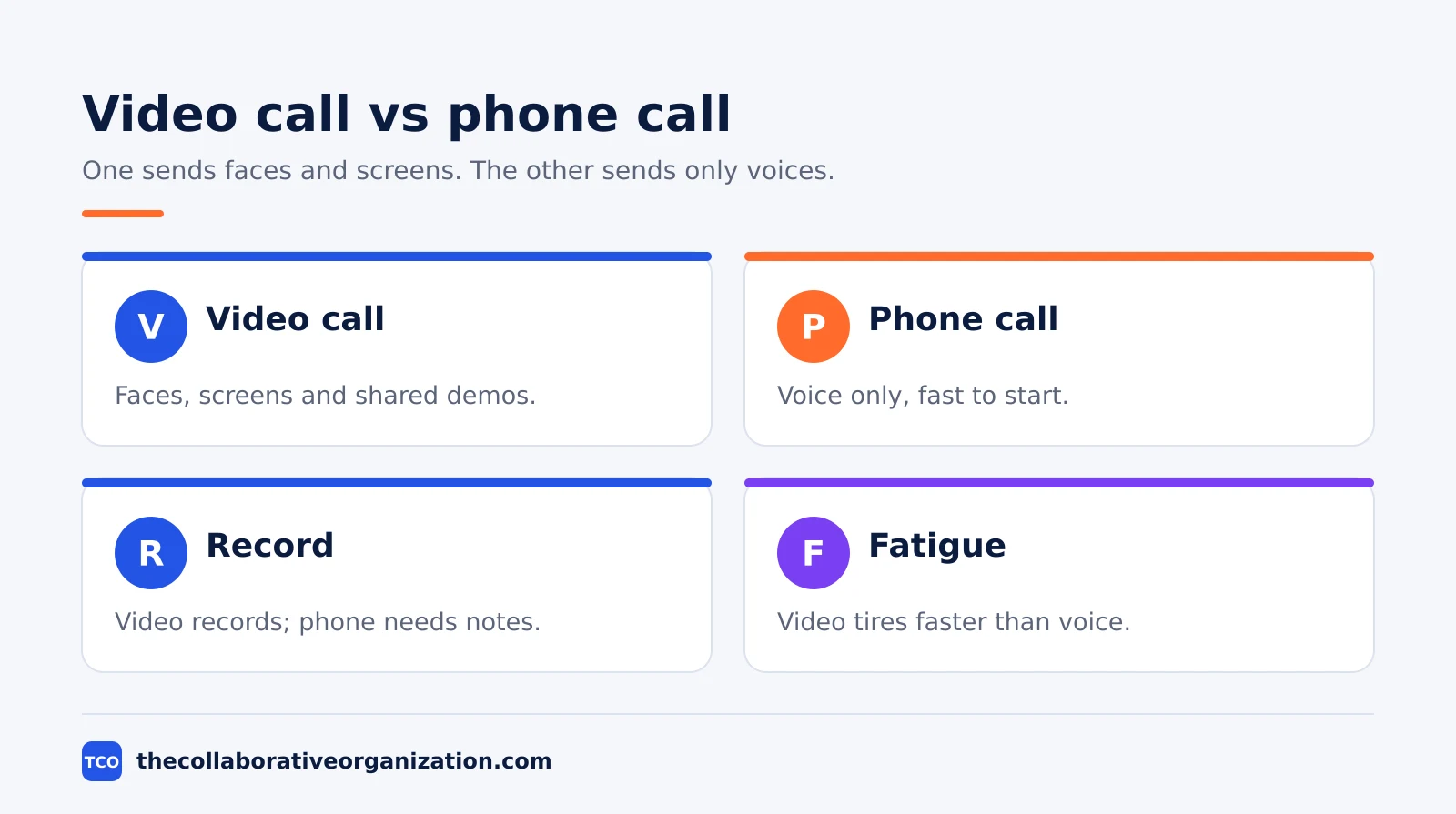
The second difference is the record. Video tools record, transcribe and summarise meetings by default on paid plans. Zoom Pro includes unlimited meeting summaries, for example. Phone calls rarely leave a record unless someone takes notes, so decisions made by phone need to be written down after the call.
The third difference is fatigue. Video demands constant eye contact with a grid of faces, which tires people faster than a voice-only call. That is why a day of back-to-back video calls feels heavier than a day of phone calls, even when the talking time is the same.
Video call vs phone call at work side by side
Side by side, video wins on clarity and trust, while the phone wins on speed, cost and connection. The table below sorts the trade-offs.
| Feature | Video call | Phone call |
|---|---|---|
| What you see | Faces, body language, shared screens | Nothing; voice only |
| Best for | First meetings, demos, interviews | Quick decisions and status checks |
| Setup time | Camera, background, link, test | Dial and talk |
| Bandwidth | High; needs a stable connection | Low; works on weak signal |
| Record | Recording and AI summaries on paid plans | Rarely recorded; needs written notes |
| Fatigue | Higher after long days | Lower; you can walk while talking |
A call that needs a screen almost always needs video. A call that needs only a yes or no almost never does. The mistake teams make is defaulting to video for everything, which spends the most tiring format on the least important talks.
When a video call wins
A video call wins when seeing the other person changes the decision. First meetings with a client, job interviews, performance talks and difficult news all read better with faces visible. Tone alone hides too much in those moments.
Demos and training are the second clear win. Sharing a screen while talking turns a 20-minute explanation into a 5-minute show-and-tell. The listener sees the clicks instead of picturing them, and questions land on the exact step that confused them.
Video also wins for group alignment. In a kickoff or a planning session, seeing who nods and who frowns tells the facilitator where the doubts are. A phone call hides that signal, so silent disagreement surfaces days later. Our guide on how to choose team communication software covers the video features worth paying for.
When a phone call wins
A phone call wins when the answer is short, the audience is one person, and the screen adds nothing. A quick approval, a status check, a scheduling fix or a heads-up about a delay all fit in five minutes of voice. Booking a video meeting for those wastes the other person’s setup time.
Phone calls also win on bad connections. A video call freezes and drops on weak hotel Wi-Fi, while a voice call keeps going. Field staff, drivers and anyone walking between sites should default to the phone, since video ties them to a desk and a screen.
The third win is focus. Without a grid of faces to watch, people listen harder and interrupt less. Some of the best one-to-one coaching happens by phone for exactly that reason. Slack vs email for teams makes a similar point about matching the medium to the message.
What video and phone calls cost
The software cost is nearly the same either way, because one plan usually covers both, so the real price is time and bandwidth. Prices below are list prices as of November 2026.
| Tool | Free plan | Starting price (as of November 2026) | Meeting limit |
|---|---|---|---|
| Zoom | Free, 40-minute group meetings | $14.16 per user per month (Pro), billed annually | Pro: 30 hours, 100 people |
| Google Meet | Free, 60-minute group meetings | $7 per user per month (Workspace Starter), billed annually | Free: 60 minutes, 100 people |
| Microsoft Teams | Free, 60-minute group meetings | $4 per user per month (Essentials), billed annually | Essentials: 300 people |
Zoom’s own pricing page lists Pro at $14.16 per user per month billed annually, or $16.99 billed monthly, with 30-hour meetings and 100 participants. Google’s Meet support page confirms free group meetings last up to 60 minutes with 100 participants.
The hidden cost is meeting work. A late 2025 Deloitte and Zoom study found employees spend nearly 25 hours a week on meeting work, but under 10 of those hours are actually in meetings.
How to choose in 30 seconds
Run four quick checks before you send the invite, and the right format picks itself. The checks take less than a minute and save far more.
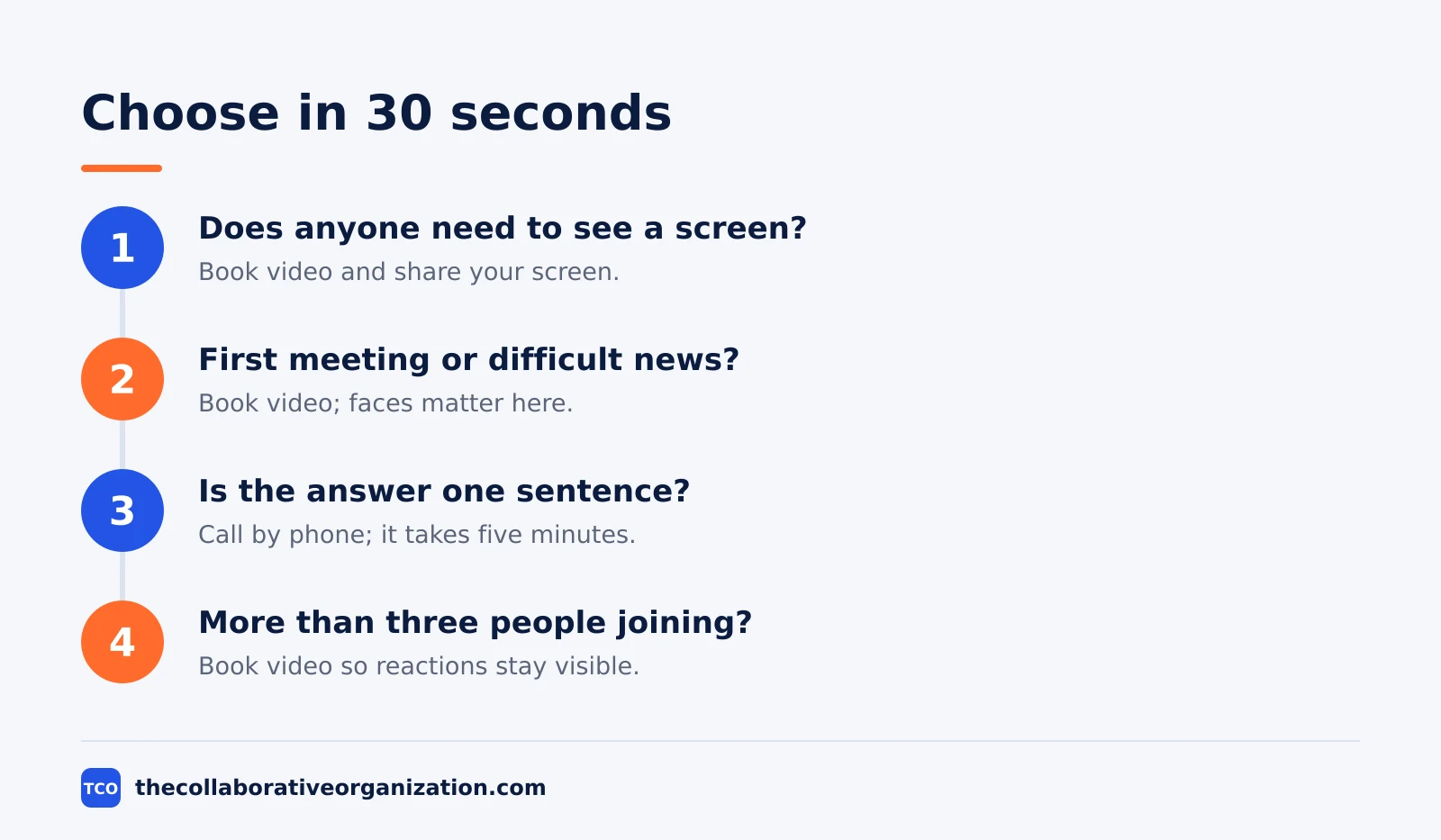
- Does anyone need to see a screen? If yes, book video.
- Is this a first meeting or difficult news? If yes, book video.
- Is the answer one sentence? If yes, call by phone.
- Are more than three people joining? If yes, book video so faces and reactions stay visible.
If the answer is still unclear, default to the phone call. It is easier to escalate a short call into a video meeting than to shrink a booked video meeting into a call nobody wanted.
Worked example: the Tuesday status meeting
A weekly status meeting shows the choice in practice, because the same meeting can waste an hour on video or take ten minutes by phone. Imagine a six-person support team that meets every Tuesday to review open tickets.
On video, the meeting runs 45 minutes. Each person shares a screen and talks through tickets while others wait for the right tab. On the phone, the same review runs 15 minutes.
The team keeps the video slot once a month for the deeper review, where screens and faces earn their time. The other three weeks stay on the phone. Total talking time drops from three hours a month to about one, and the written ticket list holds the record either way. Our guides index has more on running lighter team meetings.
Common video call vs phone call mistakes to avoid
Most teams make the same four mistakes, and all four come from using video as the default for every conversation. Fix the default and most of the waste disappears.
- Booking video for a one-sentence question. A 30-minute video slot for a yes-or-no answer burns the setup time of everyone invited.
- Running a status meeting on video every week. A written update plus a short phone call covers most status reviews with less fatigue.
- Leaving cameras on for huge listen-only calls. In a 50-person briefing, cameras add load and distraction without adding signal.
- Making decisions by phone and never writing them down. A phone decision with no written record gets re-argued, so send a one-line note after the call.
The Microsoft Work Trend Index found the average employee spends 57% of work time communicating and only 43% creating, so every call format that saves minutes returns real work time.
Sources
- Zoom - Pricing (2026)
- Google - Meet Requirements and Limits (2026)
- Slack - Pricing (2026)
- Google - Workspace Pricing (2026)
- Microsoft - Work Trend Index (2025)
- MeetGeek - Microsoft Teams Pricing (2026)
- Asa Team - How Much Time Do Employees Spend Preparing for Meetings (2026)
Frequently asked questions
Is a video call better than a phone call for a job interview?
Yes, for most interviews. Video shows body language and lets both sides share a screen for a portfolio or a task. A phone call works for a first screening when the goal is only to check availability, salary range or basic fit before anyone invests more time.
When should you turn your camera off on a video call?
Turn it off when your connection is weak, when you are only listening to a large presentation, or when background noise or movement would distract others. Say so in chat first, so nobody reads the blank square as disinterest. Keep it on for small discussions and interviews.
How long should a work phone call last?
Most work phone calls should last 5 to 15 minutes. If a call passes 20 minutes and needs a screen, a document or more than two people, switch to video or move the discussion to writing. Long phone calls tire people out because there is no visual anchor to follow.
Do phone calls cost less than video calls?
Usually yes. A phone call needs far less bandwidth than video, so it works on weak connections and cheap mobile data. The software cost is similar: Zoom Pro and Google Workspace both cover calls and video in one plan. The real saving is time, since phone calls start faster and end sooner.
Can a phone call replace a video meeting?
Yes, when the meeting needs only voices and a decision. Status updates, quick approvals and check-ins work well by phone. Video wins when trust, body language or a shared screen matters, such as first meetings, difficult news, demos and interviews with a new hire.
Related articles

guides
Free Project Management Templates: 7 to Copy (2026)
Seven free project management templates from monday, Wrike, Teamwork, Smartsheet, ClickUp, Asana and Trello, with what each one is for and what free really costs.
November 20, 2026 · 7 min read

guides
Project Proposal Template: Copy and Win Work (2026)
A project proposal template pitches the work before it is approved: problem, solution, scope, budget, timeline and terms. Copy the template and filled example.
November 20, 2026 · 10 min read

guides
Action Plan Template: Goal to Done in One Page (2026)
An action plan template turns one goal into owned steps with dates, dependencies and a success measure. Copy the table and see it filled for a support team.
November 20, 2026 · 11 min read