Communication vs Collaboration Tools: What to Use (2026) | The Collaborative Organization
By The Collaborative Organization Team · November 19, 2026 · Last verified November 19, 2026 · 8 min read
Communication tools carry messages between people, while collaboration tools hold the shared work those messages are about. A chat app moves a question to another person in seconds. It does not track who owns the answer, when it is due, or where the finished file lives. That split decides which tool to buy first.
Key takeaways
- Communication tools move messages, calls and alerts; collaboration tools hold tasks, files and shared pages with owners and dates.
- Microsoft’s 2025 Work Trend Index found the average employee spends 57% of work time communicating and 43% creating.
- Slack Pro costs $7.25 per user per month billed annually, and Teams Essentials costs $4 per user per month billed annually, as of November 2026.
- Most teams need both kinds of tools, but they should buy the chat tool first and add the work tool when decisions start getting lost.
- A decision that only exists in chat is not stored anywhere useful, so write it down in a task or a doc with an owner.
What is the difference between communication and collaboration tools?
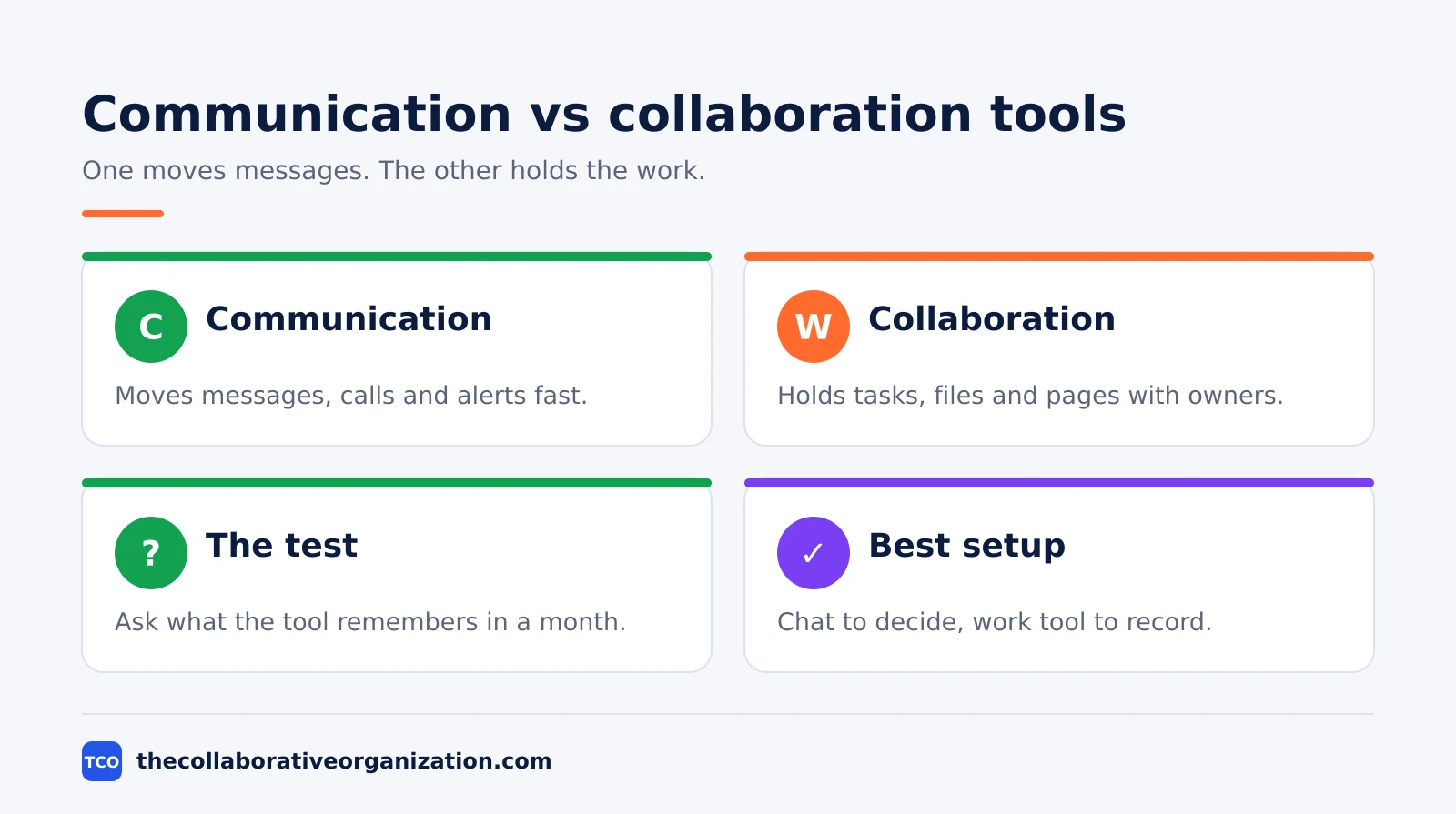
The difference is what each tool stores: communication tools store conversations, and collaboration tools store work. A chat message, a call and a notification are events that pass between people. A task, a shared doc and a project board are objects the team keeps, edits and finishes together.
Think of a team planning a product launch. The chat channel holds the debate about the launch date, and the call settles the final choice. The project board holds the tasks that follow from it. If the chat app vanished, the team would lose the debate but keep the plan.
The line blurs because vendors bundle both sides. Teams mixes chat with file co-authoring, and Zoom now bundles Team Chat with meetings. Our guide to what team collaboration means explains the shared-work side in more detail. The test that still works is simple: ask what the tool remembers a month later, a conversation or a finished piece of work.
Communication vs collaboration tools side by side
Side by side, the two kinds differ in what they track, how they charge, and what breaks when they fail. The table below is the quickest way to sort a tool into the right bucket.
| Feature | Communication tools | Collaboration tools |
|---|---|---|
| Main job | Move messages, calls and alerts fast | Hold shared tasks, files and pages |
| What it stores | Conversations and call records | Work objects with owners and dates |
| Best when | A question needs a fast answer | Several people build one thing together |
| Fails when | History is lost or channels multiply | Nobody owns the task or the doc |
| Typical price driver | Per user, per month | Per user or per seat, per month |
A chat tool fails quietly: channels multiply, the same question gets asked three times, and nobody can find the decision from last month. A work tool fails loudly: a task has no owner, and the launch slips.
What communication tools do best
Communication tools do best what is fast, short and aimed at a person: questions, alerts and quick calls. A developer asks whether the staging server is up, a manager posts that the client call moved, and a support agent pings the on-call engineer. Each message takes seconds to send and seconds to read.
Chat also carries the social glue of remote work: birthday notes, praise in a public channel, and the quick check-in that replaces a walk to a desk. Teams that only meet in formal meetings lose the small exchanges that build trust.
The weak spot is memory. Slack’s free plan keeps messages searchable for only 90 days, so a decision from four months ago is gone unless someone wrote it down elsewhere. Paid plans remove that cap: Pro keeps history without a limit. Google’s Meet support page confirms free group meetings run up to 60 minutes with 100 participants.
What collaboration tools do best
Collaboration tools do best what is shared, slow and needs a record: plans, files and decisions that several people touch over days or weeks. A task board shows who owns each step of a launch, a shared doc holds the spec that three people edit, and a wiki page keeps the onboarding guide current for the next hire.
The record is the point. When a new person joins, they can read the board and the docs instead of asking the team to repeat six months of chat. When a deadline slips, the board shows which task blocked it. Collaboration tools statistics show how widely teams now rely on these shared records.
The weak spot is silence. A board does not tap anyone on the shoulder, so a task can sit untouched while everyone assumes someone else is handling it. That is why collaboration tools need a communication tool beside them: the board holds the work, and chat or a call moves it.
When to use each one
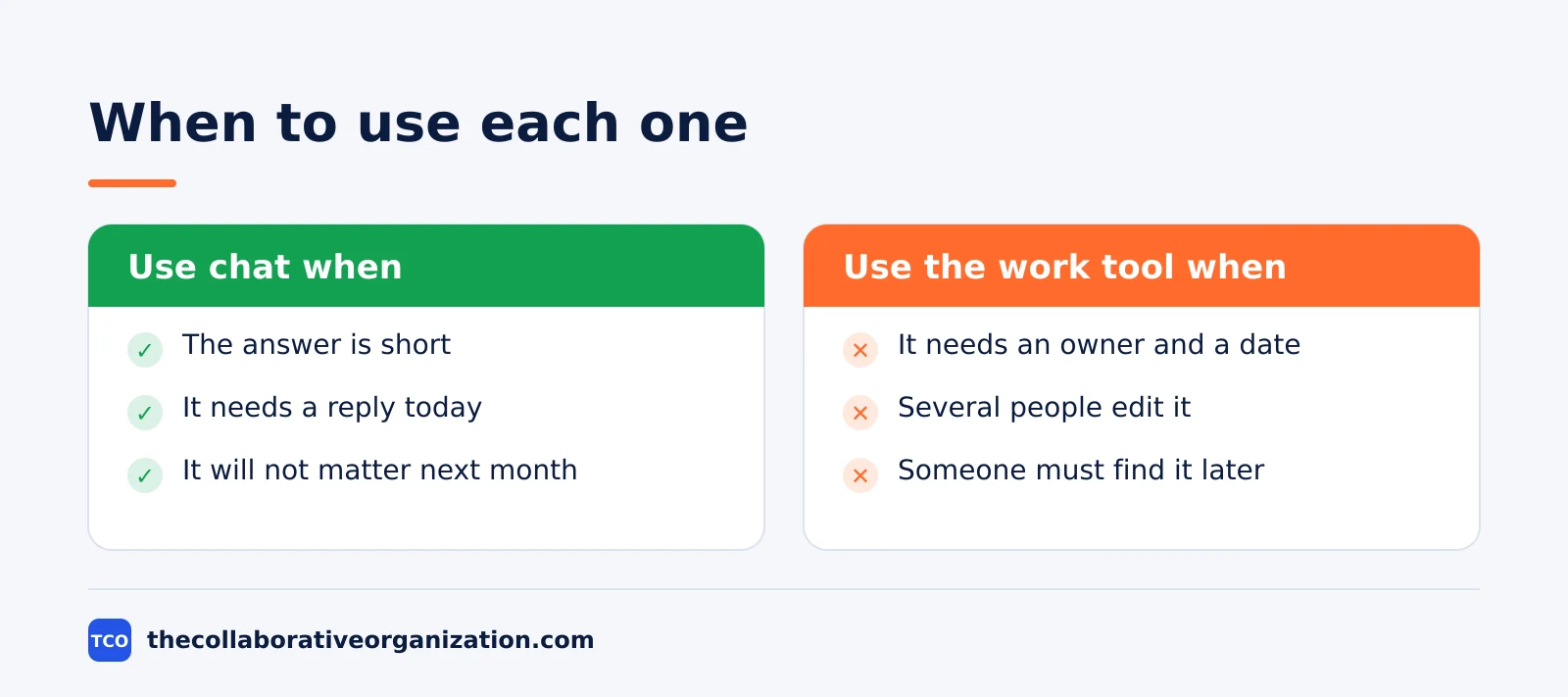
Use a communication tool when the answer is short and the audience is small; use a collaboration tool when the work will be read, edited or checked later. A question about lunch plans belongs in chat. A product spec belongs in a doc. A bug report belongs in a tracker, with chat used only to flag it.
The cost of choosing wrong is easy to see. Put a launch plan in chat and it scrolls away before launch day. Put a two-line question in a task tracker and it waits a day for an answer chat would give in a minute.
A simple rule covers most days: if the message needs an answer today and will not matter next month, use chat. If it needs an owner, a date or a version, use the work tool. The Microsoft Work Trend Index found workers are interrupted about every two minutes during core hours, so routing trivial items to chat protects focus time.
Can you combine communication and collaboration tools?
Yes, and most teams should, because the two kinds answer different needs and the best setups link them instead of replacing one with the other. Chat starts the discussion, the work tool records the outcome, and a link or an integration connects the two so nobody hunts for context.
A worked example makes the flow concrete. Imagine a 12-person marketing team planning a November campaign. The campaign brief lives in a shared doc, the tasks live on a board, and the team talks in one channel.
The integration matters more than the brand. Slack connects to more than 2,600 apps, so a task update can post to a channel without anyone copying text by hand. Teams does the same inside Microsoft 365.
Tools and pricing
The cheapest honest setup is a free chat tool plus a free work tool, and the first paid step is usually the chat plan, because message history is the limit teams hit first. Prices below are list prices as of November 2026.
| Tool | Type | Free plan | Starting price (as of November 2026) | Notable limit |
|---|---|---|---|---|
| Slack | Communication | Free, 90 days of history | $7.25 per user per month (Pro), billed annually | Free plan caps history at 90 days |
| Microsoft Teams | Both | Free, 60-minute group meetings | $4 per user per month (Essentials), billed annually | Full file suite needs a Microsoft 365 plan |
| Zoom | Communication | Free, 40-minute group meetings | $14.16 per user per month (Pro), billed annually | Free meetings end after 40 minutes |
| Google Meet | Communication | Free, 60-minute group meetings | $7 per user per month (Workspace Starter), billed annually | Recording needs a paid Workspace plan |
Slack’s own pricing page lists Pro at $7.25 per user per month billed annually, or $8.75 billed monthly. Zoom’s pricing page lists Pro at $14.16 billed annually, or $16.99 billed monthly, with 30-hour meetings.
Before paying, check the team communication software shortlist and count how many people will actually use the tool every day. A 12-person team on Slack Pro pays about $87 a month at the annual rate, which is cheap until half the seats belong to people who only read announcements.
Common communication vs collaboration tool mistakes to avoid
Most teams make the same four mistakes, and all four come from using one tool for the other tool’s job. Run through the list before buying anything new.
- Running the project in chat. Tasks discussed only in channels have no owner and no date, so they slip without anyone noticing until the deadline passes.
- Holding meetings for messages. A 30-minute call to share a status update wastes the time a short written post would have taken, and it leaves no record.
- Buying two tools that do the same job. Two chat apps split the team, so half the messages go unseen and every question gets asked twice.
- Never writing decisions down. A decision made on a call and never recorded in a doc or a task will be re-argued the next time the topic comes up.
The fix for all four is the same habit: chat to decide, then write the decision where the work lives. Our guides index has more on picking and rolling out team software without that split.
Sources
- Slack - Pricing (2026)
- Zoom - Pricing (2026)
- Google - Meet Requirements and Limits (2026)
- Google - Workspace Pricing (2026)
- Microsoft - Work Trend Index (2025)
- Atlassian - Jira Pricing (2026)
- Microsoft - Teams Pricing Guide (2026)
Frequently asked questions
Is Slack a communication tool or a collaboration tool?
Slack is mainly a communication tool: channels, direct messages and huddles carry conversations. It adds light collaboration with canvases, lists and Workflow Builder, but it does not hold tasks, files or project plans the way a project tool does. Most teams pair it with a tool that owns the work itself.
Can one tool do both communication and collaboration?
Yes, up to a point. Microsoft Teams mixes chat, calls and file co-authoring, and Zoom now bundles chat, mail and whiteboards with meetings. The overlap covers simple teamwork well. Once work needs owners, due dates and status tracking, a dedicated project or docs tool still does the job better.
Do small teams need both kinds of tools?
Most small teams need one chat tool and one place where shared work lives, and that second place can be as simple as a shared drive or a task board. Buying two full platforms before the team feels the gap wastes money and splits attention. Add the second tool when messages start hiding decisions.
What is the cheapest way to cover both needs?
Start with free tiers: Slack Free covers chat with 90 days of history, and Google Meet is free for group calls up to 60 minutes. Pair them with a free task board or shared docs. Pay only when a limit bites, such as lost message history, no recording, or no guest access for clients.
How do you stop chat from replacing real collaboration?
Give every decision a home outside chat: a task, a doc or a page with an owner and a due date. Use chat to discuss and decide, then write the outcome down where the team can find it later. If a decision only exists in a channel, it will be lost when the thread scrolls away.
Related articles

guides
Free Project Management Templates: 7 to Copy (2026)
Seven free project management templates from monday, Wrike, Teamwork, Smartsheet, ClickUp, Asana and Trello, with what each one is for and what free really costs.
November 20, 2026 · 7 min read

guides
Project Proposal Template: Copy and Win Work (2026)
A project proposal template pitches the work before it is approved: problem, solution, scope, budget, timeline and terms. Copy the template and filled example.
November 20, 2026 · 10 min read

guides
Action Plan Template: Goal to Done in One Page (2026)
An action plan template turns one goal into owned steps with dates, dependencies and a success measure. Copy the table and see it filled for a support team.
November 20, 2026 · 11 min read