Project Management for Beginners: Start Your First Project (2026) | The Collaborative Organization
By The Collaborative Organization Team · November 19, 2026 · Last verified November 19, 2026 · 10 min read
Project management for beginners means turning a goal into finished work through five phases: initiation, planning, execution, monitoring and closure. You do not need a certificate or fancy software to start. You need one small project, a written goal, and a list of tasks with owners and dates.
Key takeaways
- A project has a start, an end, and a result you can point to, and the manager keeps the goal, tasks and dates in line.
- Every project follows five phases: initiation, planning, execution, monitoring and controlling, and closure.
- The triple constraint balances time, scope and cost: change one and at least one of the others moves.
- Your first project should be small, low risk, and finish in one to two weeks.
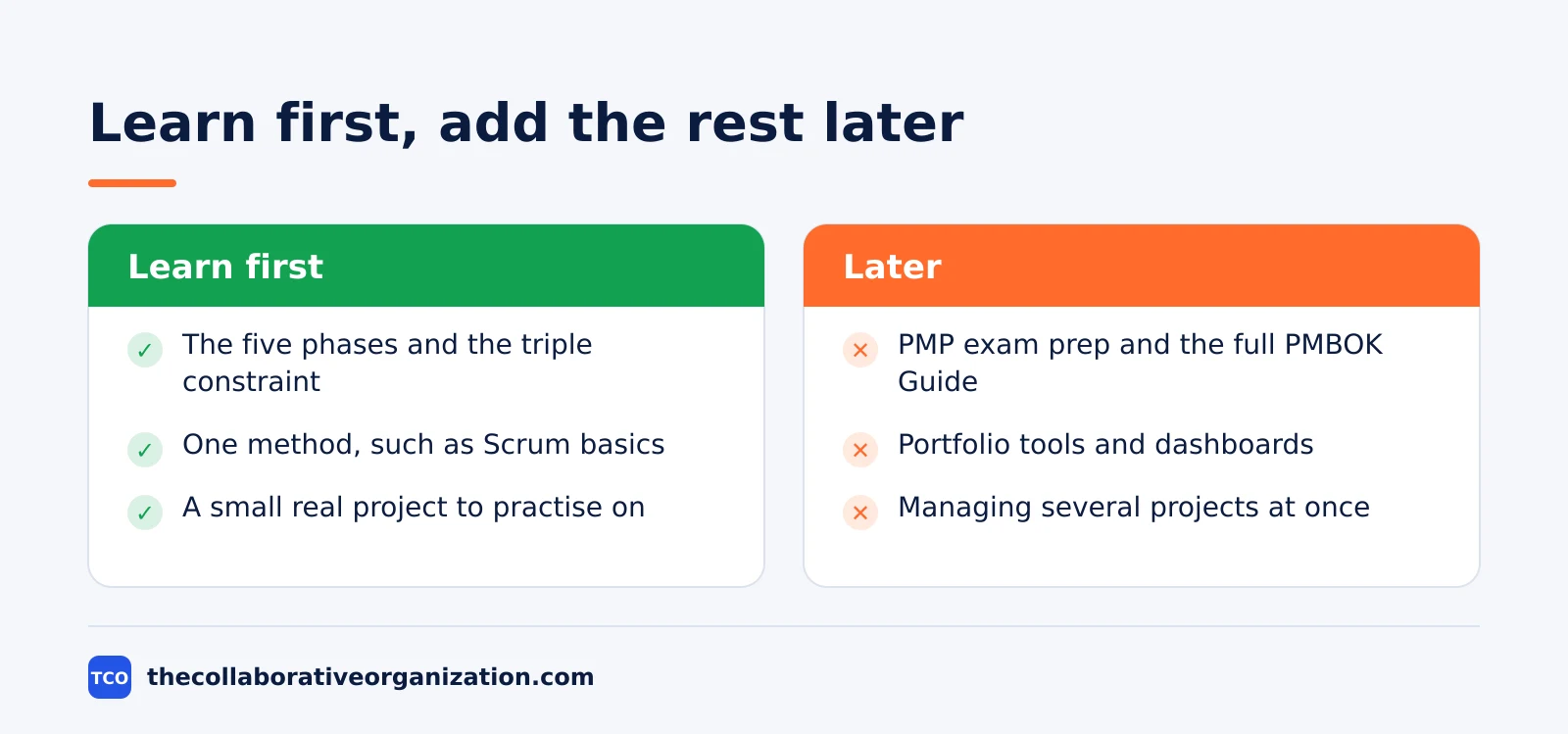
- You can learn the core ideas in about four to six weeks with steady hands-on study.
What project management is, and what it is not
Project management is the work of turning an idea into a delivered result through people and a plan. It is not a job title reserved for certified experts, and it is not a pile of documents. Anyone who organises a launch, a move, or a team event has already done the core of it: set a goal, list the work, and keep it moving.
A project differs from routine work in three ways: it has a clear start and a clear end, and it produces a result you can point to, such as a launched page or a finished report. And it ends: once the result is handed over, the project closes. Daily work repeats, while a project finishes.
Project management is also not the same as doing the work yourself: the manager plans, assigns, tracks, and clears blocks, while the team does the tasks. On a one-person project, you wear both hats, but the jobs stay separate: first plan the work, then do it, then check it. That split is what keeps a small project from drifting.
The five phases every project follows
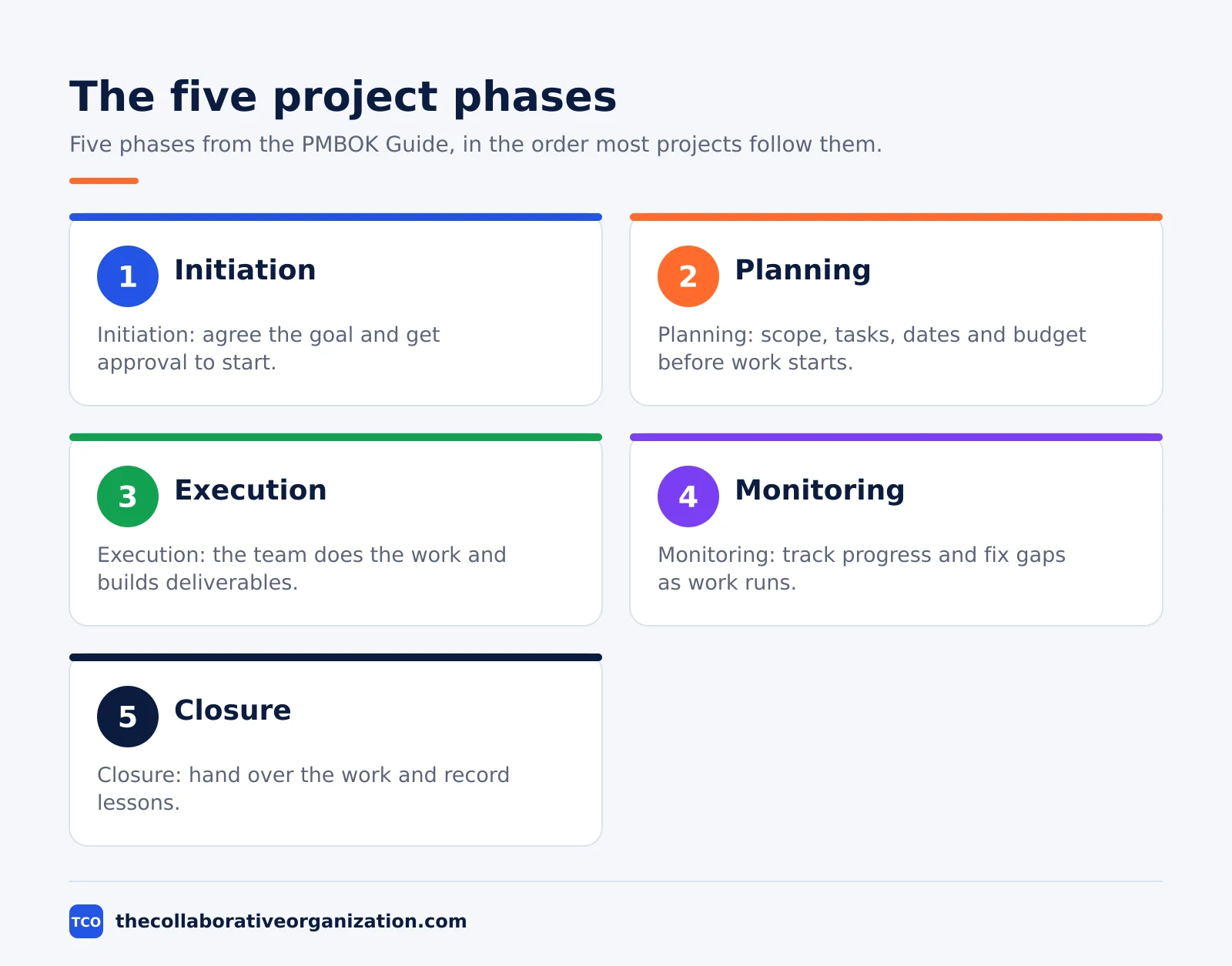
Every project moves through five phases, from authorisation to handover, and the phases give a beginner a map to follow. The Project Management Institute defines them in the PMBOK Guide as five process groups: Initiating, Planning, Executing, Monitoring and Controlling, and Closing. Monitoring runs at the same time as execution, not after it.
| Phase | What happens | Typical output |
|---|---|---|
| Initiation | Agree the goal and get approval to start | Project charter or one-page brief |
| Planning | Define scope, tasks, dates, budget and risks | Approved plan and schedule |
| Execution | The team does the work and builds deliverables | Finished work products |
| Monitoring and controlling | Track progress and fix gaps as work runs | Status updates and change decisions |
| Closure | Hand over the result and record lessons | Final acceptance and handover notes |
Asana describes the same five phases in its guide to the project management phases, and notes that the PMBOK Guide is the source most professionals use as a reference. The phases also map to the ten knowledge areas in the PMBOK Guide, such as risk, quality and stakeholder management, which every project touches in some form.
A beginner does not need to master all ten areas at once. Learn the five phases first, then pick up one area at a time as real projects demand it. Risk management matters most when a deadline is fixed. Stakeholder management matters most when several people must approve the result.
Run your first project in 7 steps
A beginner can run a first project in seven steps, and each step has a clear outcome before you move on. Follow them in order, and keep the project small enough to finish in one to two weeks.
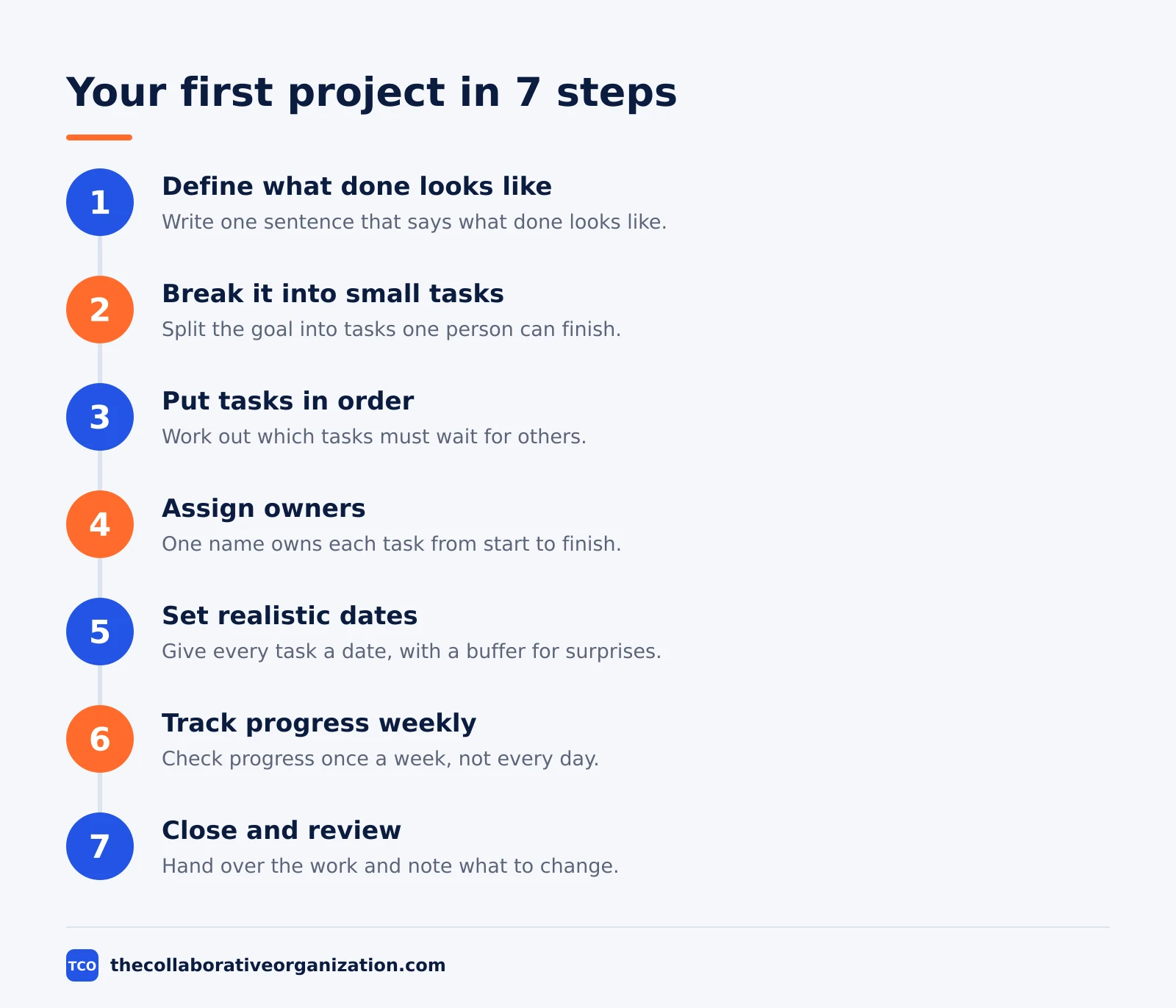
Step 1: Define what done looks like
Write one sentence that says what “done” means and how you will measure it. A weak goal says “improve the website”. A strong goal says “publish five new help pages by 30 November, each reviewed by the support lead”. The test for done stops arguments later about whether the project finished.
Step 2: Break the project into small tasks
List every action the project needs, no matter how small. A task should take hours or a day or two, never a whole week. Long tasks hide delays. If a task still feels big, split it again until one person can finish it and another person can check it.
Step 3: Put the tasks in order
Work out which tasks must wait for others. Writing must finish before editing starts, and design must start before the build. Put the tasks in that order on a list or a board. Tasks with no order link can run at the same time, which saves days on the schedule.
Step 4: Assign owners to each task
Put one name on every task, even if the team is just you. On a solo project, the owner is you for every task, and the point is the same: each task has one person who answers for it. ONES puts it simply in its beginner workflow: assign responsibilities before you set a timeline, so dates attach to people, not to wishes.
Step 5: Set realistic dates
Give each task a date, then add a buffer for surprises. Ask the owner how long the task takes if nothing goes wrong, then add about 20% for the things that always go wrong. A date nobody believes is worse than no date at all, because the team stops trusting the plan.
Step 6: Track progress weekly, not daily
Check the board once a week and ask three questions: what finished, what is next, and what is blocked. Daily checks suit fast-moving work, but a beginner project usually needs only a weekly look. Our guide to creating a project plan shows how to set up that weekly check so it takes minutes.
Step 7: Wrap up with a simple review
Hand over the finished work, get the owner or client to accept it, and write down three notes: what worked, what slowed the project, and what you will change next time. Closing matters because the notes become the plan for your second project. Skip the review and you repeat the same mistakes.
The skills a beginner needs most
A beginner needs four skills more than any tool or certificate: clear writing, honest dates, steady communication, and a calm response to change. Tools change every year. These four do not.
Clear writing comes first. A one-page brief that states the goal, the scope, the deadline, the budget, and the owner prevents most confusion later. AusBusiness recommends exactly that one-page brief as the first step, and warns that most projects take longer and cost more than the first estimate. Build the buffer into the plan, not into excuses later.
Honest dates come second. A date is a promise to the team, so give dates you can keep and say early when one slips. People forgive a slipped date they hear about in week 1. They do not forgive one they hear about on the day it was due.
Communication comes third: send one short status update each week covering what finished, what is next, and what is blocked. Three lines beat a long report nobody reads. Change comes fourth, since scope changes arrive on every project, so agree in writing how changes get requested, priced, and approved before the work starts.
Worked example: your first project in two weeks
A first project that works well is a 90-minute virtual workshop, delivered in two weeks by one person. This is an illustration built from a beginner walkthrough, not a real event, and it shows how the seven steps fit a small, low-risk project.
The goal is concrete: deliver a 90-minute virtual workshop on basic photography tips, with slides and a practice session, by Friday of week 2. The task list is short: pick a date, write the slide outline, design the slides, send invites, test the video tool, prepare handout notes, and run the session.
Each task gets a date on a list, with the same owner throughout. The risk is small: if the slides run late, the session still happens with fewer slides. The review takes ten minutes and notes two fixes: send invites three days earlier, and test the video tool with a guest before the day.
A beginner roadmap from ONES recommends exactly this kind of practice: volunteer for a small event, or simulate a project, and start managing tasks, timelines, and communication loops however small. The same roadmap says the core concepts take about four to six weeks to grasp with steady hands-on study.
Tools for a beginner
A beginner should start with the simplest tool that holds a task list, then move up only when the work outgrows it. A paper list works for a solo project. A free board tool works when two or three people share the work. Compare the options on our project management software shortlist once you know what you need.
| Tool | Best for | Free plan | Starting price (as of November 2026) | Notable limit |
|---|---|---|---|---|
| Asana | A first shared project with timelines | Free for 2 people | $10.99 per user per month (Starter), billed annually | Free plan covers 2 people |
| Trello | A first board a new user learns in minutes | Up to 10 collaborators and 10 boards | $5 per user per month (Standard), billed annually | No built-in dependencies |
| ClickUp | One workspace for tasks, docs and goals | Free Forever plan | $9 per user per month (Core), billed yearly | Paid plans charge per member |
| Todoist | A personal task list with dates and reminders | 5 personal projects | $5 per user per month (Pro), billed annually | Built for personal tasks, not team boards |
The Asana price comes from Asana pricing: Starter is $10.99 per user per month when billed annually, and the Personal plan is free for 2 users.
The ClickUp price comes from ClickUp pricing: Core is $9 per user per month billed yearly, and the Free Forever plan includes unlimited tasks.
Trello Standard is $5 per user per month billed annually, according to an independent check of the vendor page in October 2026 by Pinateca.
Todoist Pro is $5 per user per month billed annually, with the free Beginner plan capped at 5 personal projects, according to an independent check in November 2026 by Nuanyue.
A beginner who wants a method to study should read our guide to writing a project brief before picking a tool. The brief forces the goal onto one page, and the tool then only has to hold the tasks.
Common beginner mistakes to avoid
Beginners make the same five mistakes on a first project, and each one is easy to avoid once you know it. Run through this list before you start.
- A vague goal. “Improve the website” cannot be finished. Write the goal so anyone can tell when it is done.
- Tasks that are too big. A task that takes a week hides problems. Split it until one person can finish it in a day or two.
- No named owner. A task with no owner waits for someone else. Name one person per task, even on a solo project.
- Dates with no buffer. Everything takes longer than the first guess. Add about 20% to each estimate for surprises.
- Skipping the close. A project that never closes never teaches anything. Hand the work over, get acceptance, and write down what to change.
Sources
- Asana - 5 Project Management Phases (2026)
- ONES - Project Management for Beginners: Your Step-by-Step Roadmap (2026)
- ONES - Project Management WikiHow: 7-Step Workflow for Beginners (2026)
- AusBusiness - Project Management Basics (2026)
- Lark - Project Management for Dummies: A Simple Beginner’s Guide (2026)
- Asana - Pricing (2026)
- ClickUp - Pricing (2026)
- Pinateca - Trello Pricing (2026)
- Nuanyue - Todoist for Mac: Features, Pricing and Official Website (2026)
Frequently asked questions
What is project management in simple terms?
Project management turns a goal into finished work by breaking it into tasks, naming owners, setting dates, and checking progress until the work is handed over. A project has a start, an end, and a result you can point to. The manager keeps the goal, the tasks, and the dates in line so the team finishes on time.
How long does it take to learn project management basics?
You can grasp the core ideas in about four to six weeks with steady hands-on study, according to a 2026 beginner roadmap from ONES. That covers the five phases, the triple constraint of time, scope and cost, and one method such as Scrum. Real skill comes from running a small project yourself, not from reading alone.
Do I need a certificate to manage my first project?
No. A certificate such as CAPM or the Google Project Management Certificate helps when you apply for jobs, but it is not needed to run a small project at work. Start by managing one small project well and writing down what you did. That record proves more than a certificate to the people who work with you.
What is the triple constraint in project management?
The triple constraint says every project balances three things: time, scope, and cost. Change one and at least one of the others moves too. Add scope without adding time or money, and quality or the deadline gives way. A beginner should name all three at the start so trade-offs stay visible.
What is the easiest project management method for a beginner?
Start with the five-phase flow in this guide and a simple board, then add Scrum basics if your team works in short cycles. Kanban suits steady work that arrives task by task, while Waterfall suits work with fixed steps and a fixed end date. Pick the method that matches the work around you, not the one that sounds most impressive.
Related articles

project management
How to Choose Project Management Software (2026)
Pick project management software in seven steps: define the work, count seats, price the real cost, and run a two-week pilot before you pay.
November 19, 2026 · 10 min read

project management
What Is a RACI Matrix? Definition, Roles and Examples (2026)
A RACI matrix maps who is Responsible, Accountable, Consulted and Informed for each task. Learn the four roles, how to build one, and see a worked example.
November 19, 2026 · 9 min read

project management
Daily Standup Meeting Format That Works (2026)
A daily standup is a 15-minute meeting where Developers inspect progress toward the Sprint Goal and plan the next day. Use this format to run one that ends on time.
November 19, 2026 · 10 min read